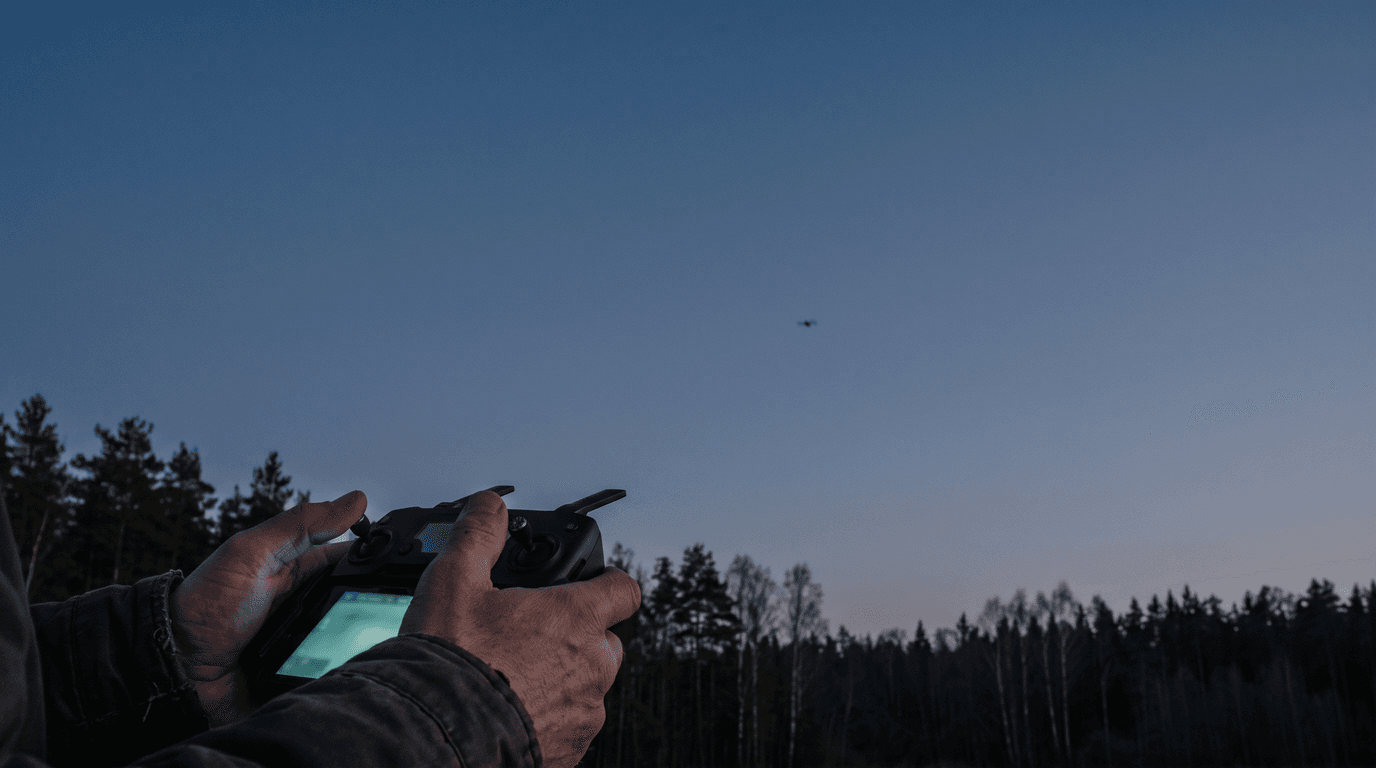
How do you learn to fly a drone when most advice jumps straight from unboxing to cinematic mountain shots? The honest answer: you don't learn it by feel, and you don't learn it from footage. You learn it the way pilots learn everything — as a sequence of small, boring drills in a place where mistakes are cheap. Modern camera drones hide a lot of the difficulty: with GPS position hold, most of them hover on their own when you release the sticks. That makes the first flight easy and the fiftieth flight dangerous, because the automation masks the skills you never built. This path builds them in order.
Start in a simulator, where crashes are free
Before the first real flight, spend a few evenings in a simulator. Several manufacturers ship a flight simulator app for their own controllers, and PC-based FPV simulators go further — physics without GPS assistance, which is closer to what happens when the automation drops out.
The point is not realism. The point is the one skill that takes longest to build and costs the most to learn on real hardware: orientation. When the drone's nose points away from you, the sticks match your intuition. When it points at you, left becomes right. In a simulator you can drill that mirror-image control for an hour straight and crash twenty times at zero cost.
What to practise there:
- holding position without staring at the horizon indicator
- flying a slow rectangle and stopping cleanly at each corner
- turning the nose toward yourself and still flying where you intend
- small, smooth stick inputs instead of corrections in jerks
The legal minimum before the first real flight
This is a skills article, so only the short version — the full walkthrough lives in the first-flight guide.
Before the drone leaves the ground outdoors in Latvia you need three things. First, operator registration at e.caa.gov.lv if the drone weighs 250 g or more or carries a camera and is not a toy — which covers almost every camera drone sold. Second, the A1/A3 online exam if the drone weighs from 250 g or carries a C1–C4 class mark; the CAA course and exam are free. Third, a geo-zone check for the exact spot you plan to fly: in Latvia the only official source is the airspace.lv drone map — the geofencing built into some drones is explicitly incomplete. Check your location here before you drive out.
None of this replaces judgement, but skipping it turns a training flight into a violation. If you are still choosing hardware, the weight thresholds above are one more argument covered in choosing your first drone.
Pick a field that forgives mistakes
The right training site does half the teaching. Look for:
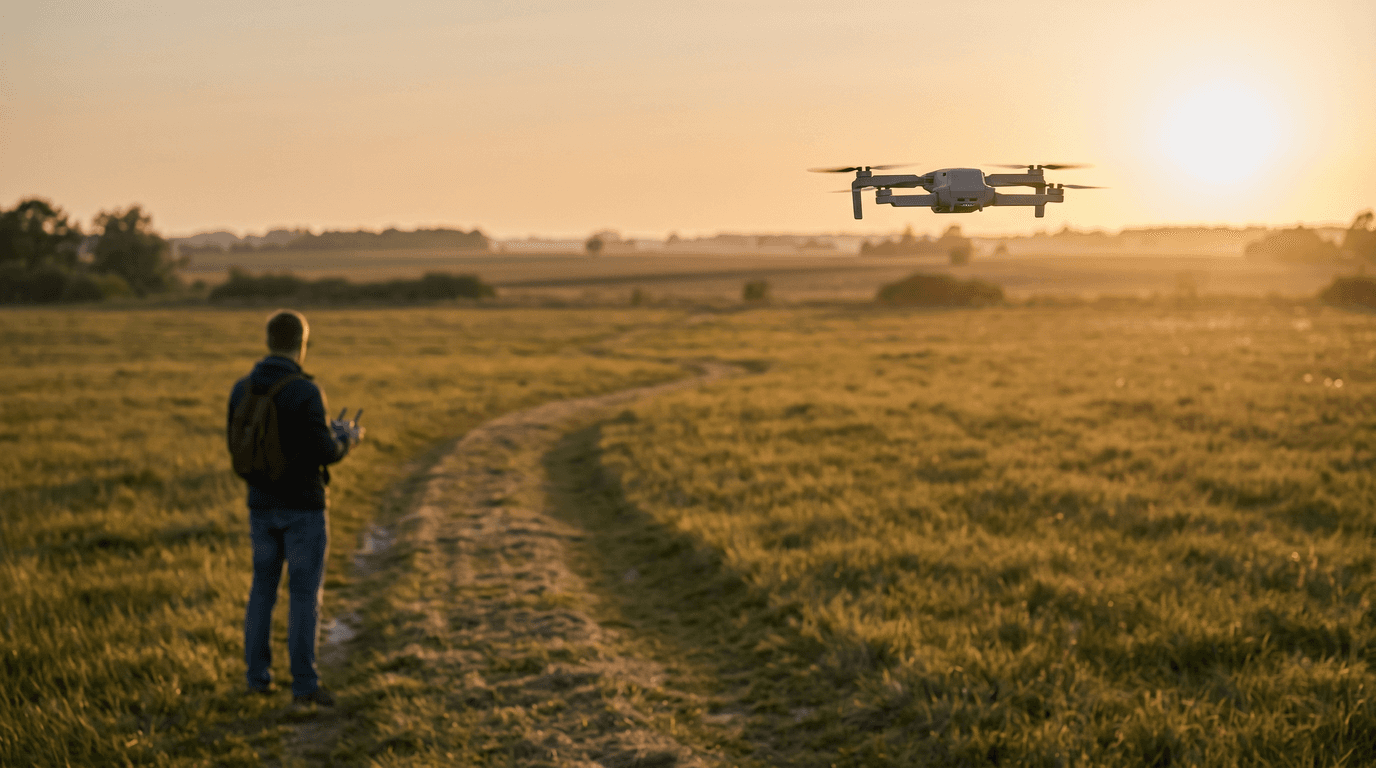
- open ground — a mown field or meadow, not a park with paths
- no people or animals within a wide margin; you cannot yet guarantee where the drone goes
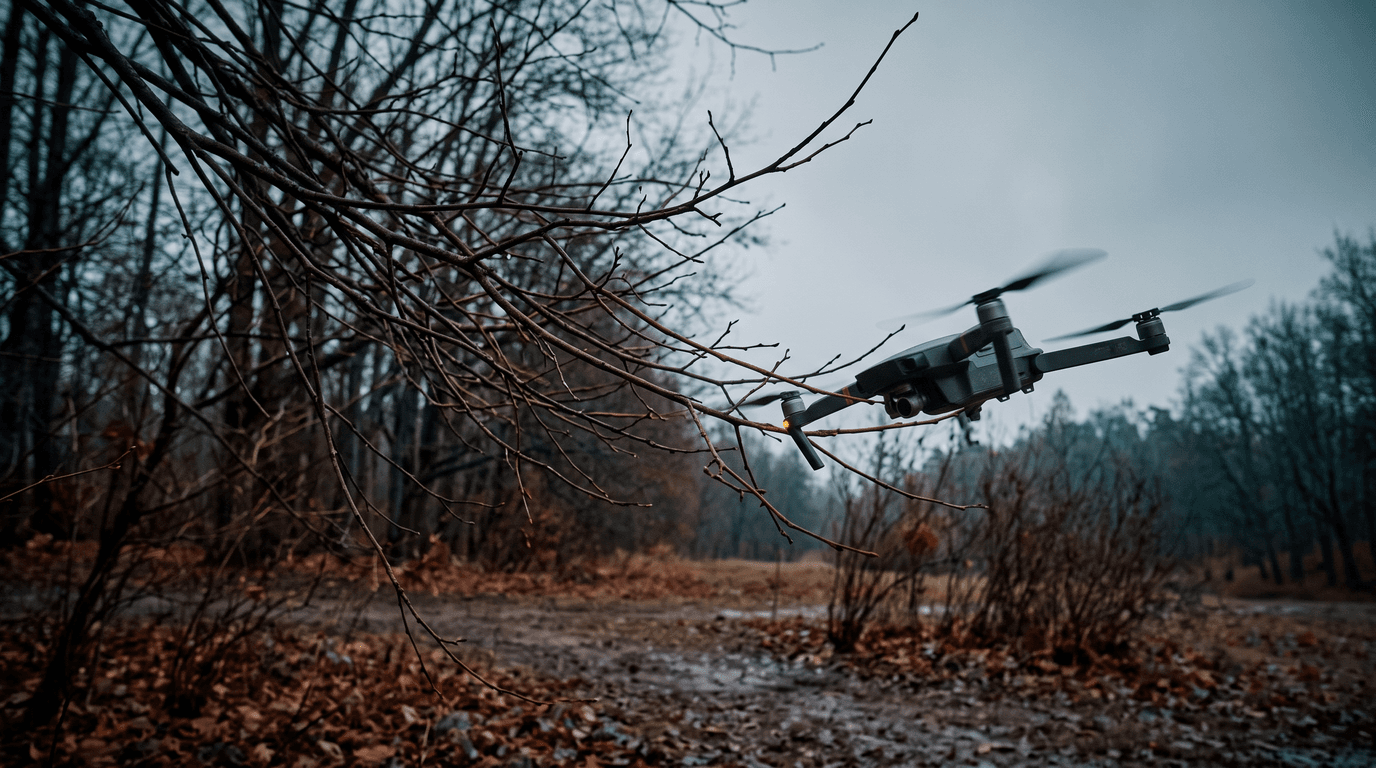
- no obstacles between you and the drone — trees and power lines end more first flights than wind does
- a legal spot — outside restrictive geo zones, away from aerodromes
- calm weather — a light steady breeze is workable; gusts are not, because you will fight the drift with skills you don't have yet
Walk the site before takeoff and run a pre-flight checklist every time, even when the flight is "just practice". Habits formed now are the ones you keep.
The drill progression that builds real control
Fly the drills in order, at low altitude — a few metres up, well within the Open-category limits of visual line of sight and 120 m. Do not move on until the current drill feels calm.
- Hover. Take off, hold roughly two metres, keep the drone over one spot for a minute. Then land on a marker. Repeat until the landing is undramatic.
- Box pattern. Fly a rectangle at constant height with the nose always facing away from you. Stop fully at each corner. This teaches throttle-and-roll coordination without any orientation load.
- Yaw and orientation. Fly the same rectangle, but turn the nose in the direction of travel at each corner. Now the sticks change meaning as the drone turns — this is where most beginners discover they were flying the picture on the screen, not the aircraft.
- Nose-in. Hover with the drone facing you and hold position. Then fly a slow line left and right. Controls are mirrored; expect it to feel like starting over. This is the single most valuable drill on the list, because one day the drone will face you when something goes wrong.
- Smooth combinations. Lazy figure-eights, gentle climbing turns, slow approaches to a landing marker. The goal is inputs so small the drone appears to move on its own.
A useful self-test before extending range: from a nose-in hover, can you return the drone to your feet without touching the map or the RTH button?
Return-to-home is a backup, not a pilot
RTH deserves its own paragraph because beginners use it wrong in both directions — some rely on it as their normal way home, some never touch it and panic-fly instead.
On most GPS drones, RTH climbs to a preset altitude, flies a straight line back to the recorded home point, and lands; the same behaviour typically triggers automatically on signal loss. Check your model's manual for the exact logic. Two practical rules follow:
- Set the RTH altitude above everything around you. A straight line home at 30 m through a 35 m tree line is a crash with extra steps.
- Confirm the home point is recorded before flying away. If the drone locked GPS late, "home" may not be where you stand.
Use RTH deliberately once during early practice so you know how it behaves — and then reserve it for the situations it exists for: lost orientation, lost link, low battery far out.
Extend range and altitude last, and gradually
Distance is not a skill; it is an amplifier of whatever skills you have. Add it only after the drill progression holds up. Go further first, higher second, and keep every flight within visual line of sight — that is a legal requirement in the Open category, not a style preference. At range, wind is stronger, the drone is harder to see, and orientation mistakes cost more, which is exactly why nose-in practice came earlier. The classic errors of this phase — flying out downwind on a full battery and coming back against the wind on an empty one among them — are collected in beginner mistakes.
What matters now
Learning to fly a drone is a short simulator phase, one legal checklist, and a drill ladder flown patiently on an empty field. The pilots who skip the ladder are the ones RTH eventually cannot save. If you are working toward the exam alongside the stick skills, the course covers the theory in exam order, and the practice trainer lets you drill real exam-style questions until the pass mark stops being a question.