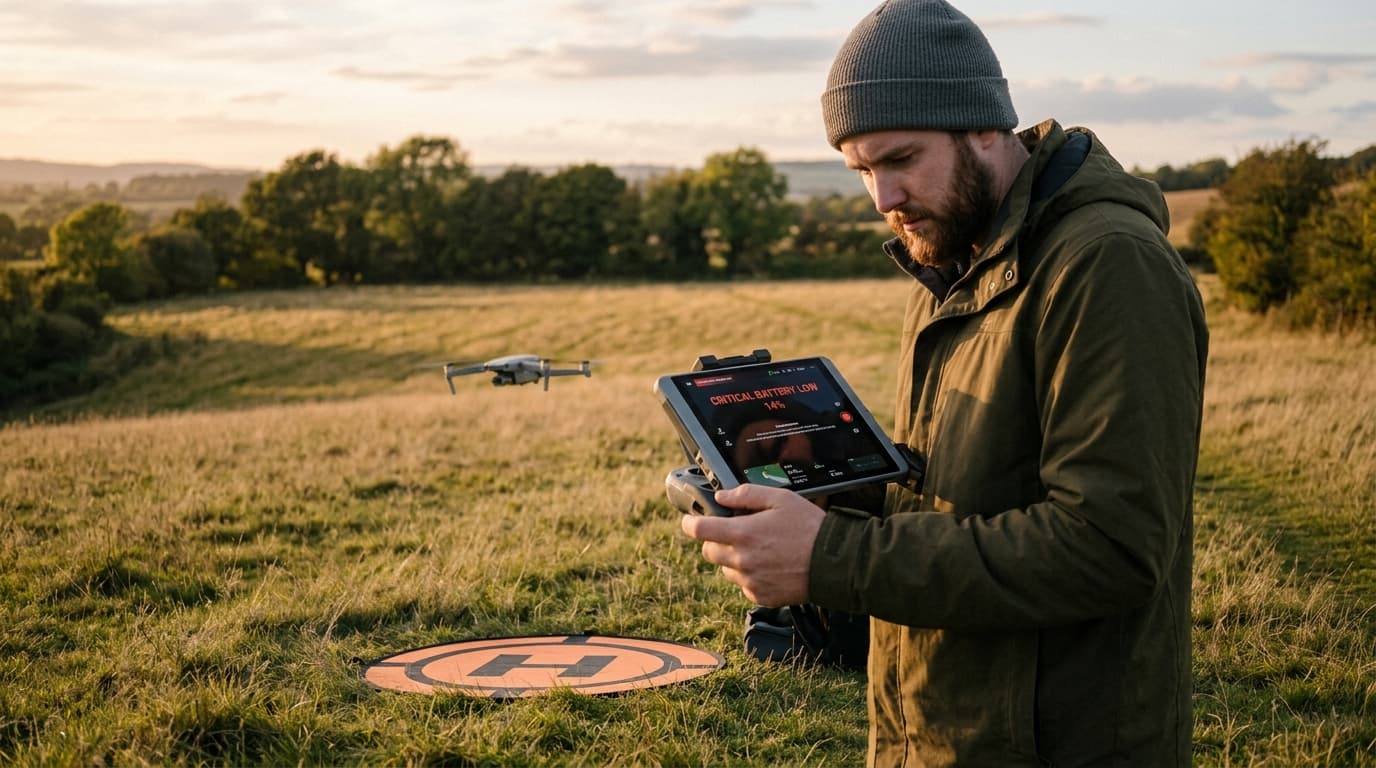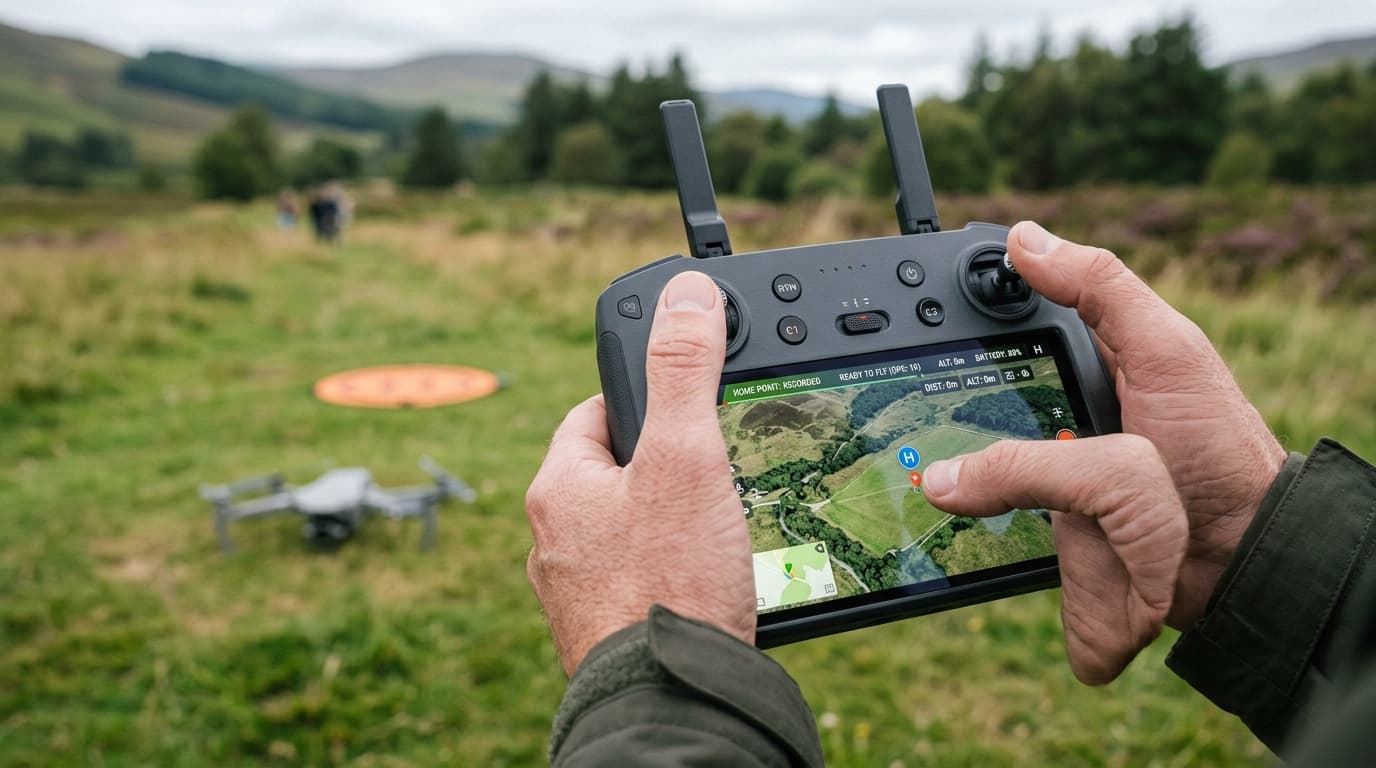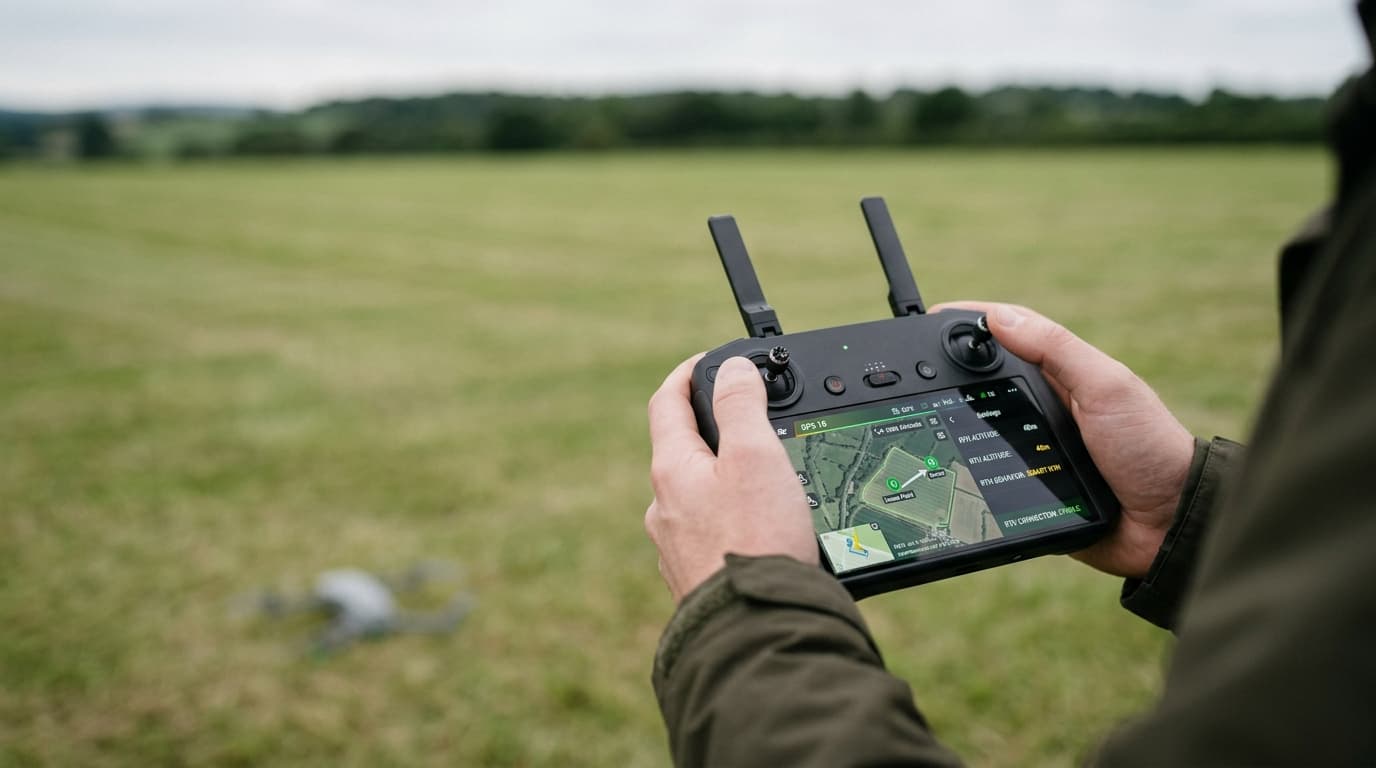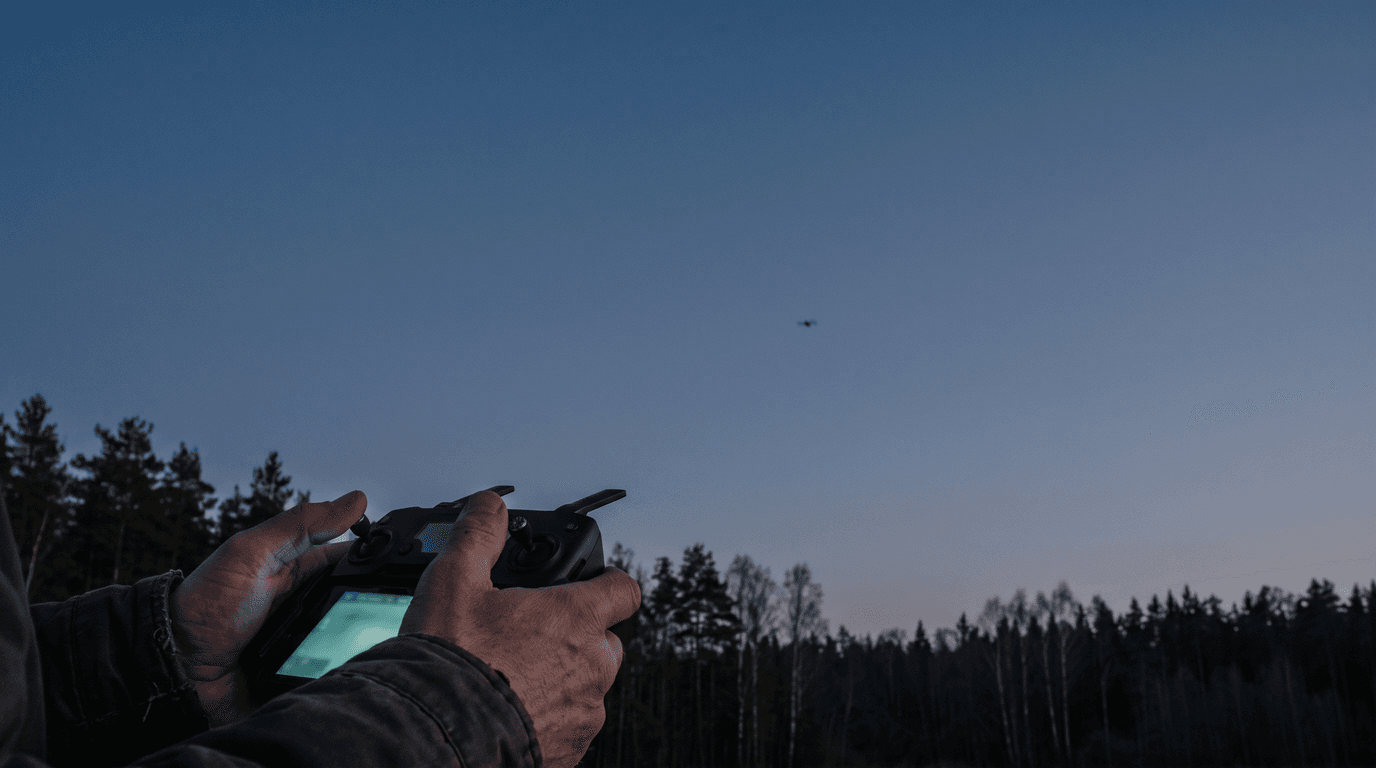
Your drone flew away — or is flying away right now — and the question is what to do about it. The honest answer: most flyaways are not mysteries. They follow a handful of recognisable failure patterns, most GPS drones have a defined failsafe behaviour, and the app usually keeps enough telemetry to tell you where the aircraft went. What decides whether you get the drone back is what you do in the first two minutes — and most of it is reading, not flying.
The first two minutes: read the screen, don't yank the sticks
The instinctive reaction — full stick "back towards me" — is exactly the wrong opening move. If the drone's heading reference is off, or it has dropped out of position hold, full stick towards you can be full stick away from you. Panic throttle also burns the one resource that bounds every recovery: battery.
Do this instead:
- Take your hands off the sticks. If the aircraft can hover, let it. A drone holding position is a problem paused, not a problem growing.
- Keep the controller on and pointed at the aircraft. A weak link sometimes recovers on its own; switching the controller off guarantees it never will.
- Read the app. Last known position on the map, altitude, heading, ground speed, battery. Say the numbers out loud if it helps — these five values are your search plan if the link dies.
- Climb only if it is clearly safe. A modest climb can restore line of sight over trees or a ridge and bring the signal back. But climb only when you know what is above and around the aircraft, and never past the legal height limit.
- Use return-to-home as a decision, not a reflex. RTH helps when the home point is correct, the position data is trustworthy and the route back clears obstacles. When any of those is in doubt, it can make things worse. The lost-link and emergency landing lesson covers this decision in depth: when the link degrades, shrink the problem — shorter distance, simpler path, earlier landing.
Why drones fly away: four patterns
RTH with a stale or wrong home point
The classic sequence: the drone is powered on next to a car or on a house porch, gets its satellite fix there, is then carried to the actual launch spot — and the home point never updates. Later the link drops, the failsafe triggers, and the aircraft flies confidently to where it thinks home is. Nothing malfunctioned. The automation executed bad input. The GNSS, compass and home point lesson explains why the home point deserves its own check on every takeoff, separate from "GPS looks fine".
Compass interference near metal
Take off from a reinforced-concrete rooftop, a car roof, a bridge deck or next to a steel fence, and the compass can pick up a heading error while the satellite position stays perfectly plausible. The result is a drone that knows where it is but not which way it points — it circles, drifts, or flies off in a confident wrong direction, including during RTH. Compass problems and GNSS problems look similar from the ground and need different responses, which is why lumping both under "GPS trouble" leads to wrong decisions.
Wind above the drone's capability
Wind at altitude is almost always stronger than at ground level. A lightweight drone flown downwind on a gusty day may simply be unable to make headway back; one that loses satellite positioning and falls into attitude mode stops holding position altogether and drifts wherever the air goes. The symptom is unmistakable: full forward stick, crawling or negative progress, battery draining. The fix is not more throttle — it is descending where safe, since wind is usually weaker lower, and landing at the nearest suitable spot instead of fighting for the launch point.
Signal loss with the RTH altitude set below obstacles
Here the failsafe works exactly as designed — and flies a straight line into the treeline. The RTH altitude was set once, months ago, on a flat field, and never revisited for today's site with its forest edge or power line. The drone climbed to its programmed height, turned home and met an obstacle it was told didn't exist.
When the link is gone
If the screen goes dark and the aircraft is out of sight, the situation shifts from flying to searching.
- Stay at the home point first. Most GPS drones execute a defined lost-link action — return home, hover then land, or land in place. If RTH is still working, the drone may arrive overhead within minutes. Watch and listen.
- Save the last telemetry before closing anything. Coordinates, altitude, heading, speed, battery. Together they bound the search area: a drone that lost link at 30% battery does not glide for kilometres. The real radius is usually much smaller than panic suggests.
- Search downwind first if wind was a factor — a drifting drone travels with the air mass.
- Use the find-my-drone feature most apps offer: last known position on the map, and, if the aircraft still has power, flashing lights or a beeper. Mark the coordinates in an offline map before walking into terrain without coverage.
The legal side in Latvia
Losing a drone can also be a reportable aviation occurrence. The rules make a clear split. Mandatory reporting, within 72 hours, applies when the flight caused fatal or serious injuries or a manned aircraft was involved — a dangerously close encounter or a collision. Voluntary reporting, as soon as practical, is explicitly encouraged for exactly the flyaway scenarios: the drone flying beyond visual line of sight, radio signal loss, a crash, or a failsafe such as return-to-home not working. Reports go through e.caa.gov.lv/incidents (or the European portal aviationreporting.eu) and feed trend analysis, not blame: the system runs on a just culture, and unintentional mistakes do not lead to administrative liability — deliberate gross violations excepted. A voluntary report about a failed RTH costs you nothing and helps the next pilot.
Prevention: five habits that stop flyaways
- Confirm the home point after satellite lock, on every takeoff — and re-set it if you move the aircraft before launch.
- Set the RTH altitude for today's site, above the tallest obstacle between the aircraft and home — not for the field you flew last month.
- Take off away from metal and reinforced concrete, and treat a compass warning as a no-go, not a nuisance to dismiss.
- Check the wind aloft, not just at the ground, and turn back while the battery still covers the upwind leg with margin.
- Keep the aircraft in sight. A drone you can see is a drone you can recover — and losing sight is how small problems become searches. Half of these habits are ordinary pre-flight checklist discipline; the other half is not repeating the classic beginner mistakes.
What matters now
A flyaway is rarely the drone rebelling — it is automation faithfully executing bad inputs: a stale home point, a corrupted heading, a wind estimate that was never checked. Read the telemetry before touching the sticks, use RTH deliberately, and file the voluntary report if the failsafe let you down.
Next step: the failure logic behind every scenario above is exam material — lost link, emergency landing, GNSS and home-point checks are all in the A1/A3 syllabus. Learn it properly with the dronelingo course before the next flight teaches it the expensive way.