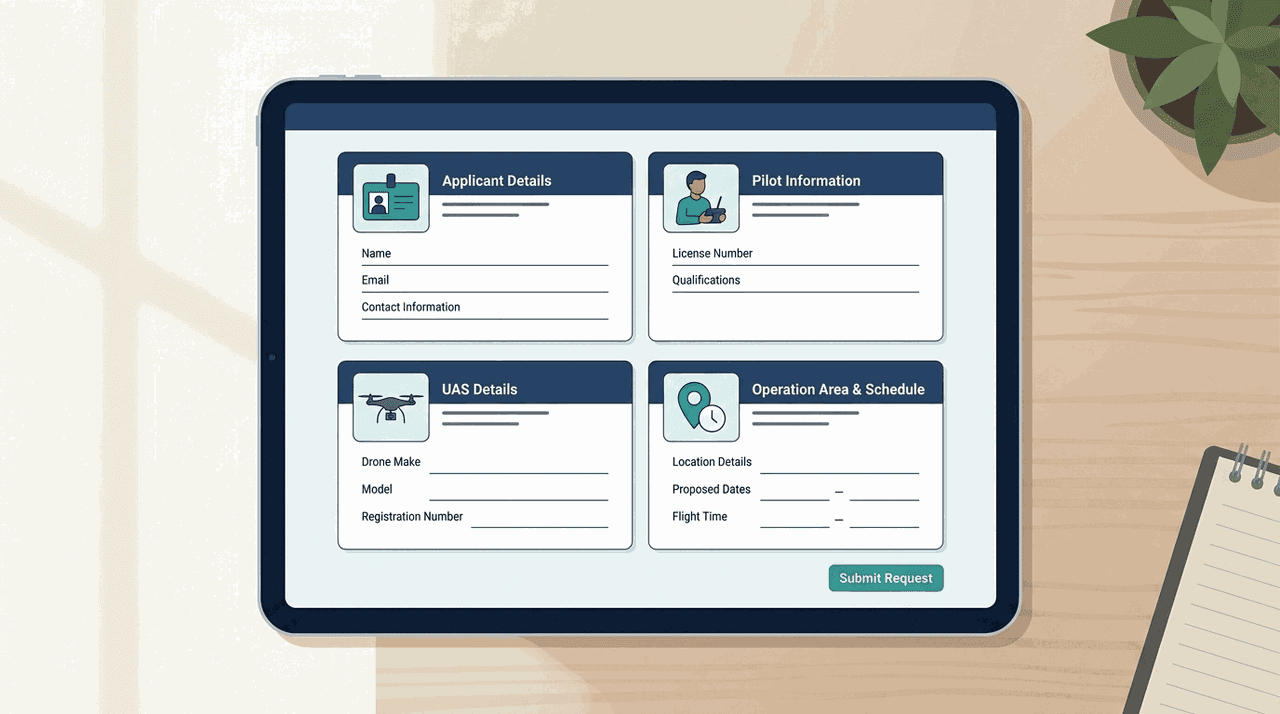
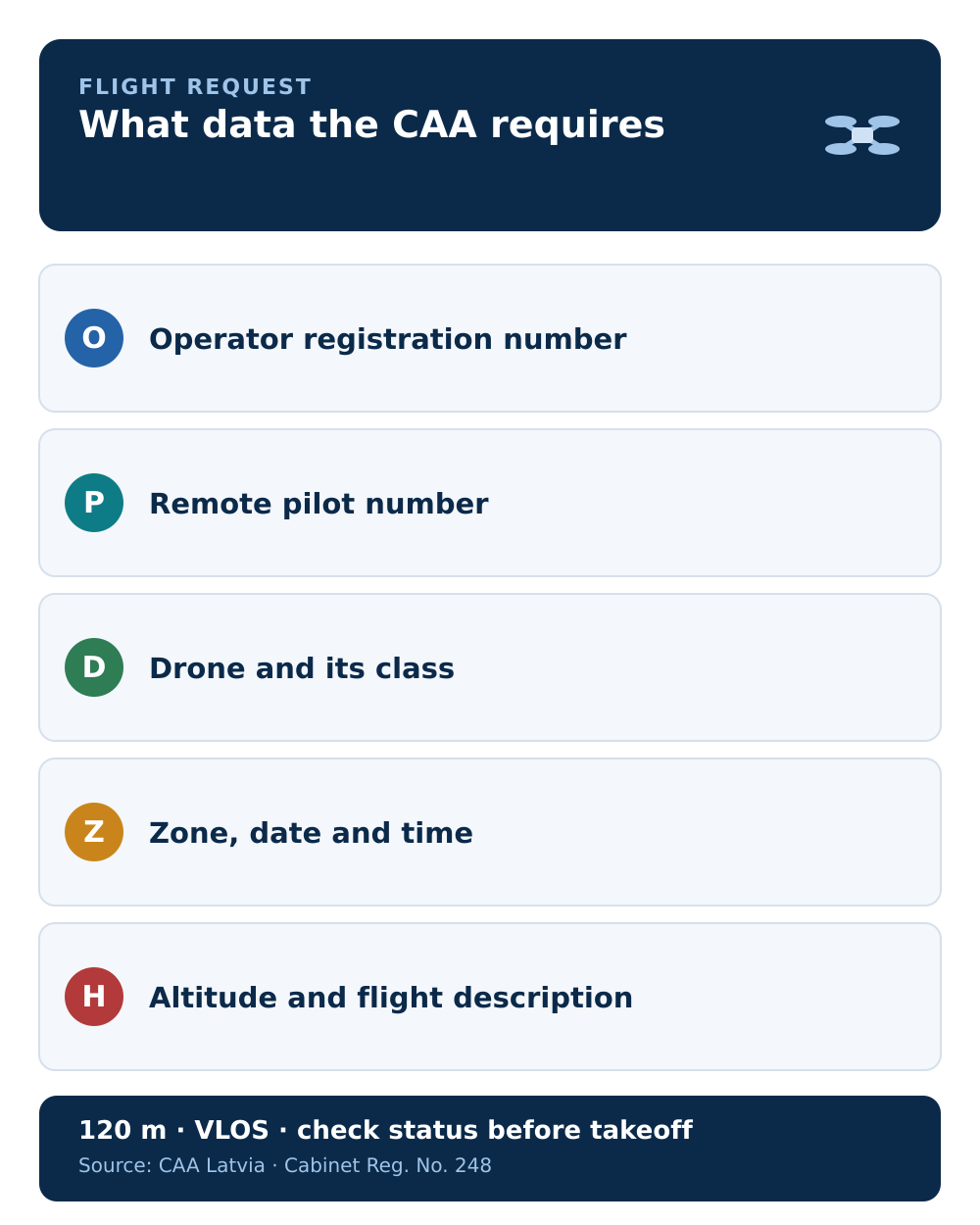
A BGKIS flight request looks long the first time, but the fields are fixed and predictable. They come from Cabinet Regulation No. 248, point 54, and fall into four blocks: the operator, the remote pilot, the drone, and the planned flight. Some of it is filled automatically from your profile, so the part you actively type is smaller than it looks.
Knowing the fields in advance is the fastest way to file cleanly: gather the numbers once and reuse them.
About the operator
This block identifies who is responsible for the flight:
- Operator registration number
- Name — for a company, the company name plus the authorised representative's name
- Contact details — email and phone
For a private pilot, most of this is already on your profile and loads automatically.
About the remote pilot
This block identifies who actually flies:
- CAA-assigned remote pilot number
- Name
- Contact details — email and phone
The operator and the remote pilot are separate entries on purpose; if that distinction is unclear, see operator vs remote pilot. In a company request, you select the pilot from those linked to the profile.
About the drone
This block identifies the aircraft, and it is why the drone has to be added to your account first:
- The BGKIS-assigned UAS number
- Manufacturer and model
- UAS class
- Remote-identification device — whether the drone has one, and its serial number, where applicable
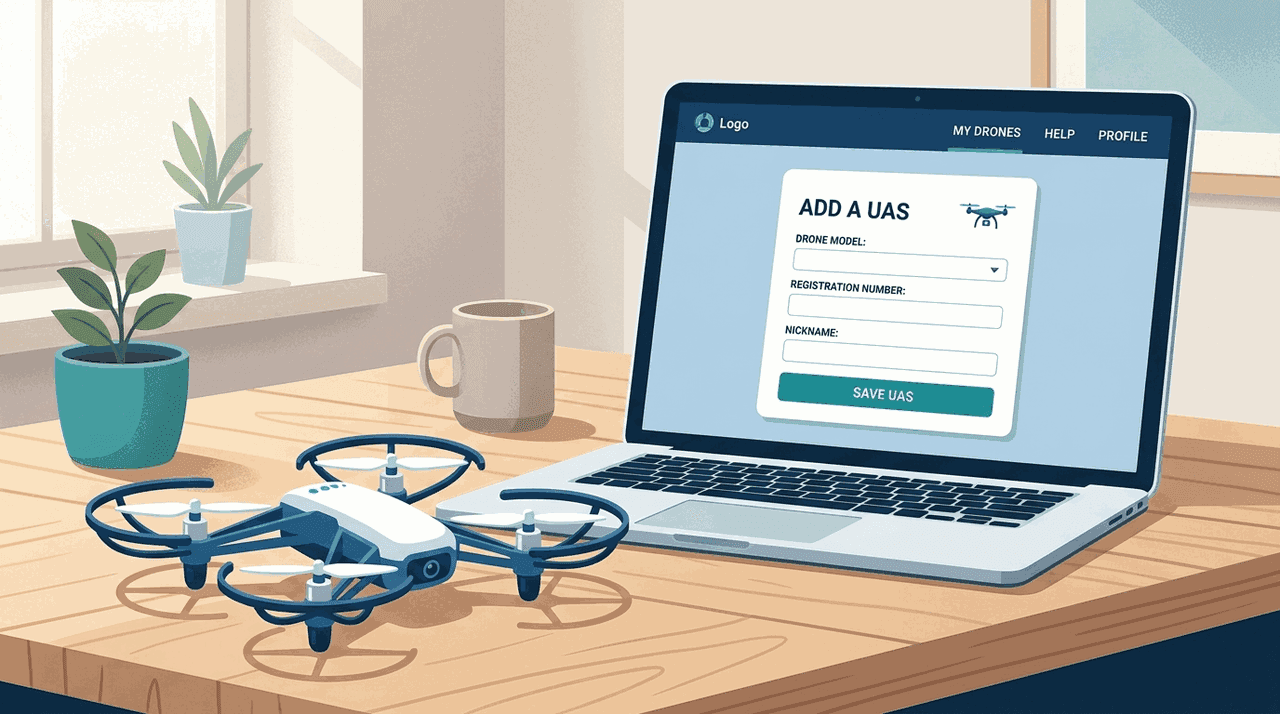
If your drone is not in the list yet, add it before you start the request — see adding a drone in BGKIS. For the remote-ID field, our Remote ID guide explains when the device is required.
About the planned flight or series
This is the block you fill in fresh each time:
- Flight area — one or more zones where you plan to fly
- Start and end date and time
- Maximum flight height
- Purpose of the flight
- Specific-category authorisation — if you fly in the specific category, the type and number of your CAA operating authorisation
The request can cover a single flight or a series, which is why the area field allows more than one zone.
What to prepare before you open the form
Have these ready and the form takes minutes:
- your operator registration number and a valid registration
- the remote pilot number of whoever will fly
- the drone added in BGKIS, with its UAS number, class, and remote-ID serial if it has one
- the zone(s), dates/times, maximum height, and purpose
- for specific-category flights, the operating authorisation type and number
A note on accuracy
The data is not a formality. The zone manager uses it to coordinate your flight, and an approval can be cancelled. File accurate details, and before takeoff re-check the request status and the zone's current conditions. Remember too that the data you enter never changes the baseline rules — 120 m maximum height and visual line of sight still apply.
Next step: put the fields to use in the step-by-step flight request guide.