If you are registered as a UAS operator in another EEA country or Switzerland and want to fly in Latvia, you do not register again as an operator. Your home registration stands. What you do need is a BGKIS profile, so you can declare that registration and file flights in UAS geographical zones that require submission or coordination. The setup is short, and there is more than one way to do it.
The starting point is the same as for any pilot: you only file in BGKIS for zones that require it, and you first check what applies on the official map at airspace.lv/drones.
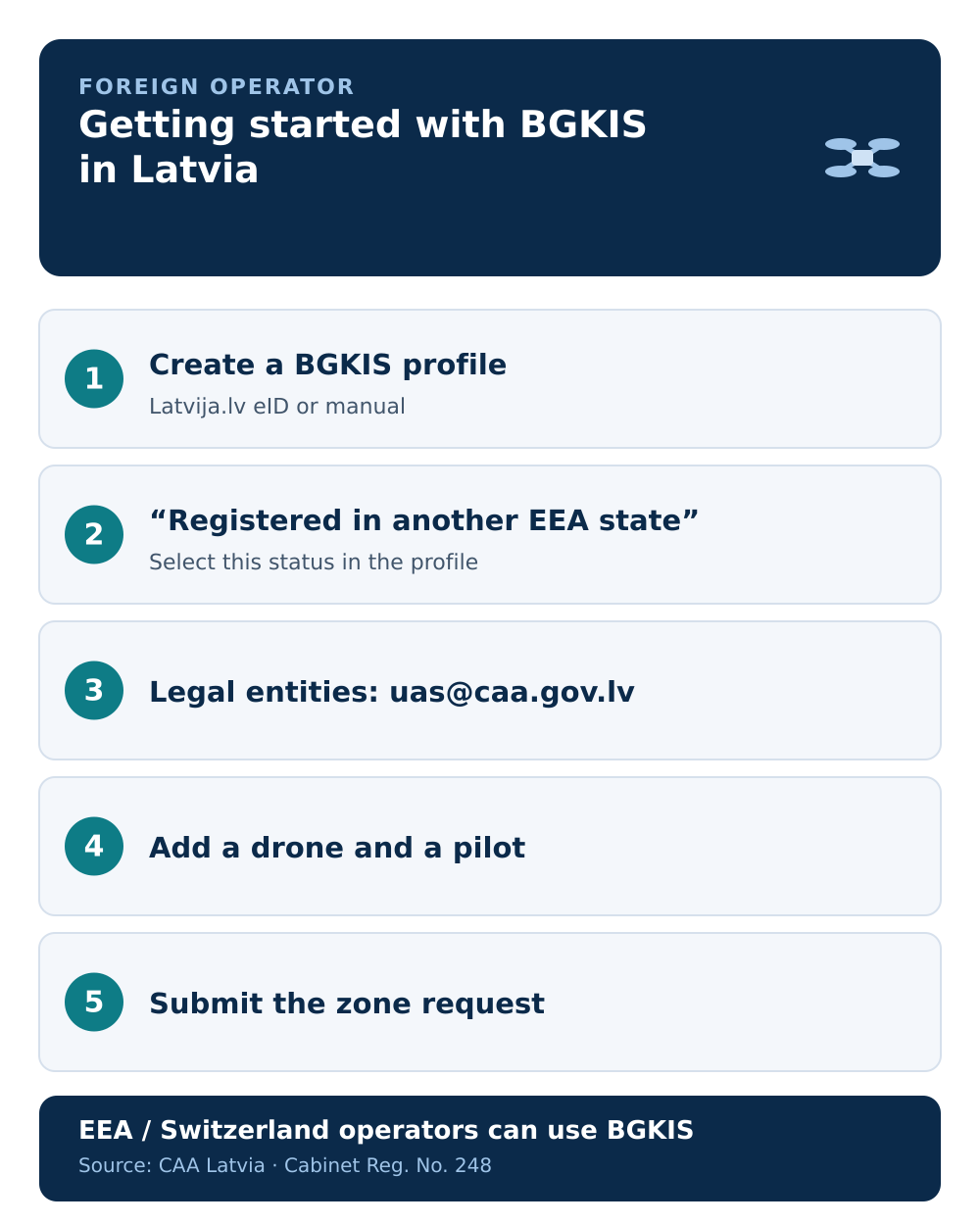
Step 1 — Create a BGKIS profile
You need your own user profile. There are two routes:
- Single sign-on via Latvija.lv. Electronic identification through Latvia's
latvija.lvsolution — eID, eParaksts, eParaksts mobile, Smart-ID, or internet banking. After successful identification, a profile is created automatically with the role "Verified user". - Manual registration with an email and password. This route is for individuals only and creates a profile with the role "Unverified user", which you can have verified later by contacting the CAA. Legal entities cannot self-register this way and should email
uas@caa.gov.lv.
If your electronic ID works in Latvia, single sign-on is the cleaner route because you arrive verified.
Step 2 — Declare your foreign registration
Once you are in BGKIS, tell the system you are an operator registered elsewhere:
- Choose "I am a registered UAS operator in another EEA state or Switzerland".
- Fill in the information the form asks for.
- If the UAS operator status then shows "Registration valid", the "UAS operations (flights)" section becomes available on your home view.
Verified or unverified — what changes
The flight-coordination section is available to unverified users too, so you can file requests in UAS geographical zones without full verification. The practical difference: as an unverified user, you may have to provide additional information to zone managers during coordination.
A verified account is what you need for other CAA services — for example sitting remote pilot exams, or cross-border operations and operations outside your registration country in the specific category under Regulation (EU) 2019/947, Article 13. If you expect to need those, verify early. The CAA's contact points and process are summarised in our CAA Latvia contacts and process guide.
Step 3 — Add your drone and file the flight
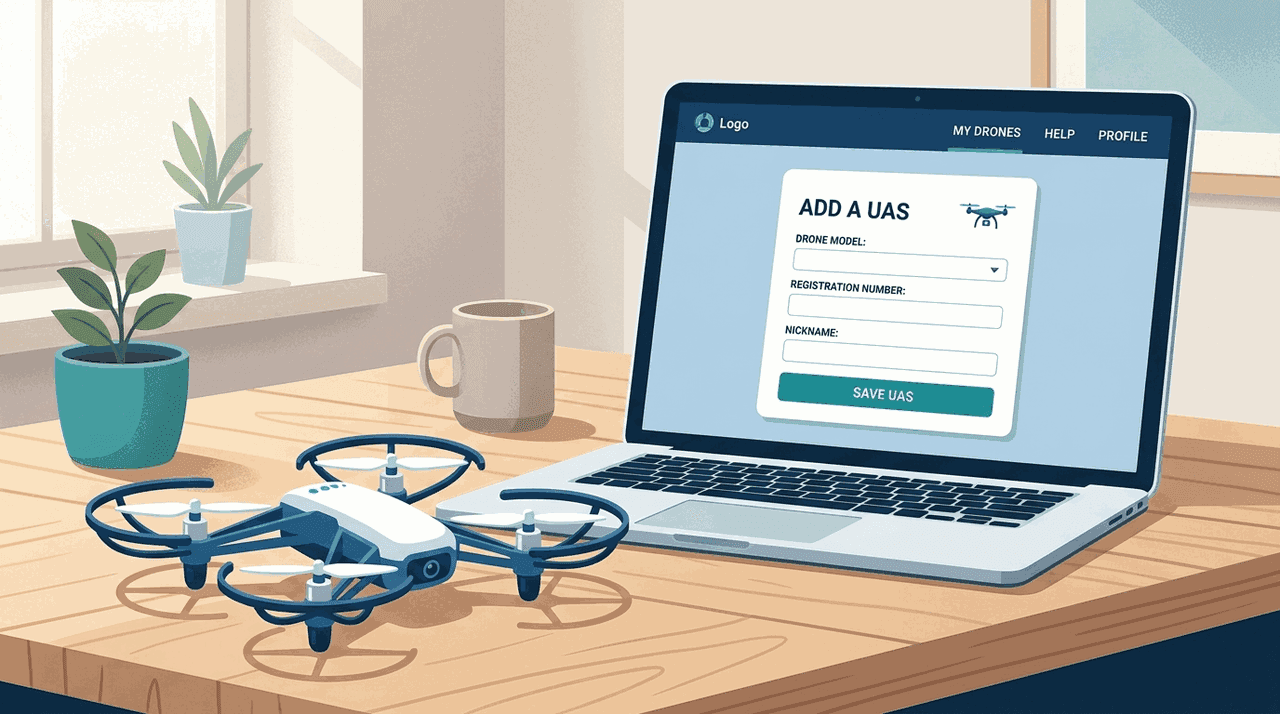
From here the flow is the same as for any operator. Add your drone in the "UAS" section so it can be selected, then open "UAS operations (flights)" and build the request. The field-by-field walkthrough is in how to submit a flight request.
Companies based abroad
If the operator is a foreign company rather than an individual, the self-registration route is not open to you — email uas@caa.gov.lv to get set up. Once the company profile exists, you attach representatives and pilots the same way any company does, covered in BGKIS for companies.
Common mistakes
- Trying to re-register as an operator. You declare your existing EEA or Swiss registration; you do not create a new one.
- A foreign company using manual self-registration. That route is for individuals; legal entities email the CAA.
- Assuming approval lifts the basics. As anywhere, 120 m and visual line of sight still apply, and an approval can be cancelled.
- Skipping the official map. Check
airspace.lv/dronesbefore each flight, regardless of where you are registered.
Next step: continue with the step-by-step flight request guide.