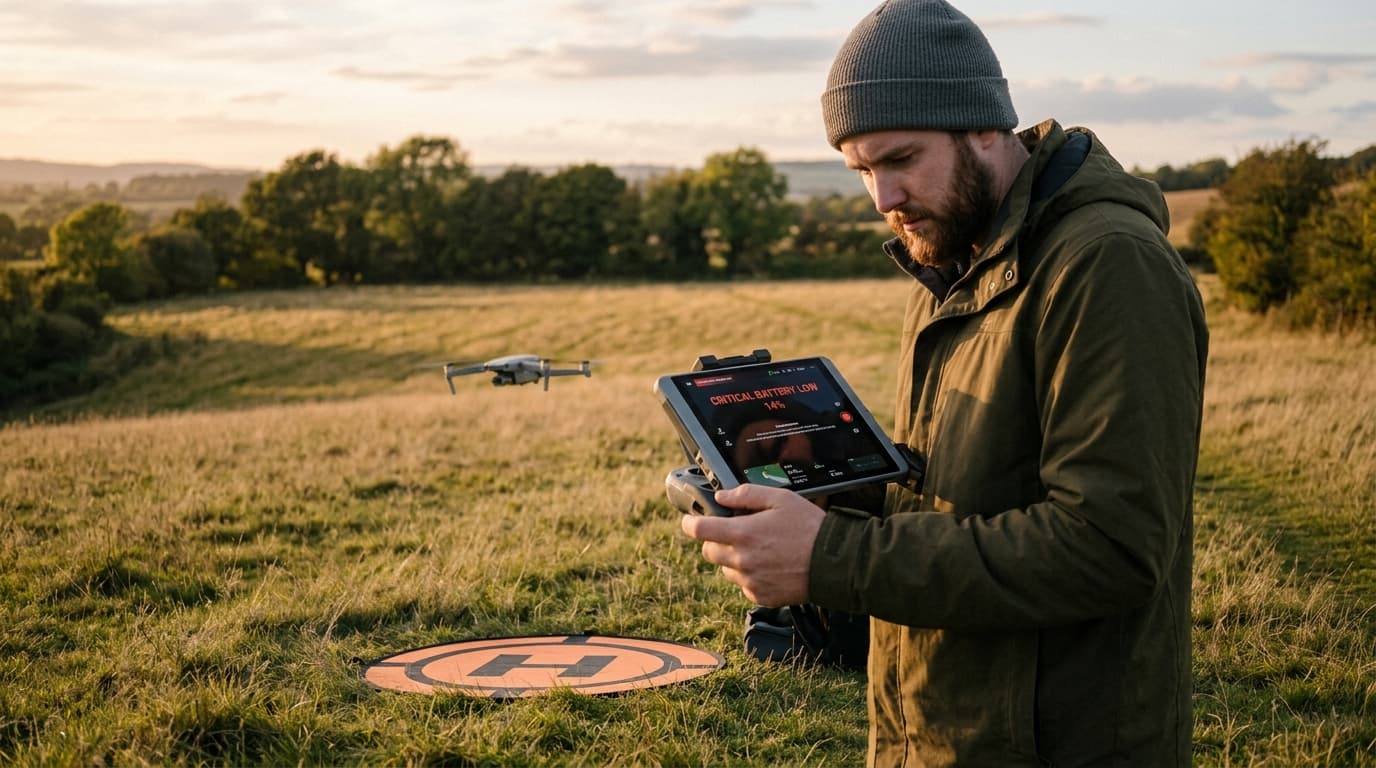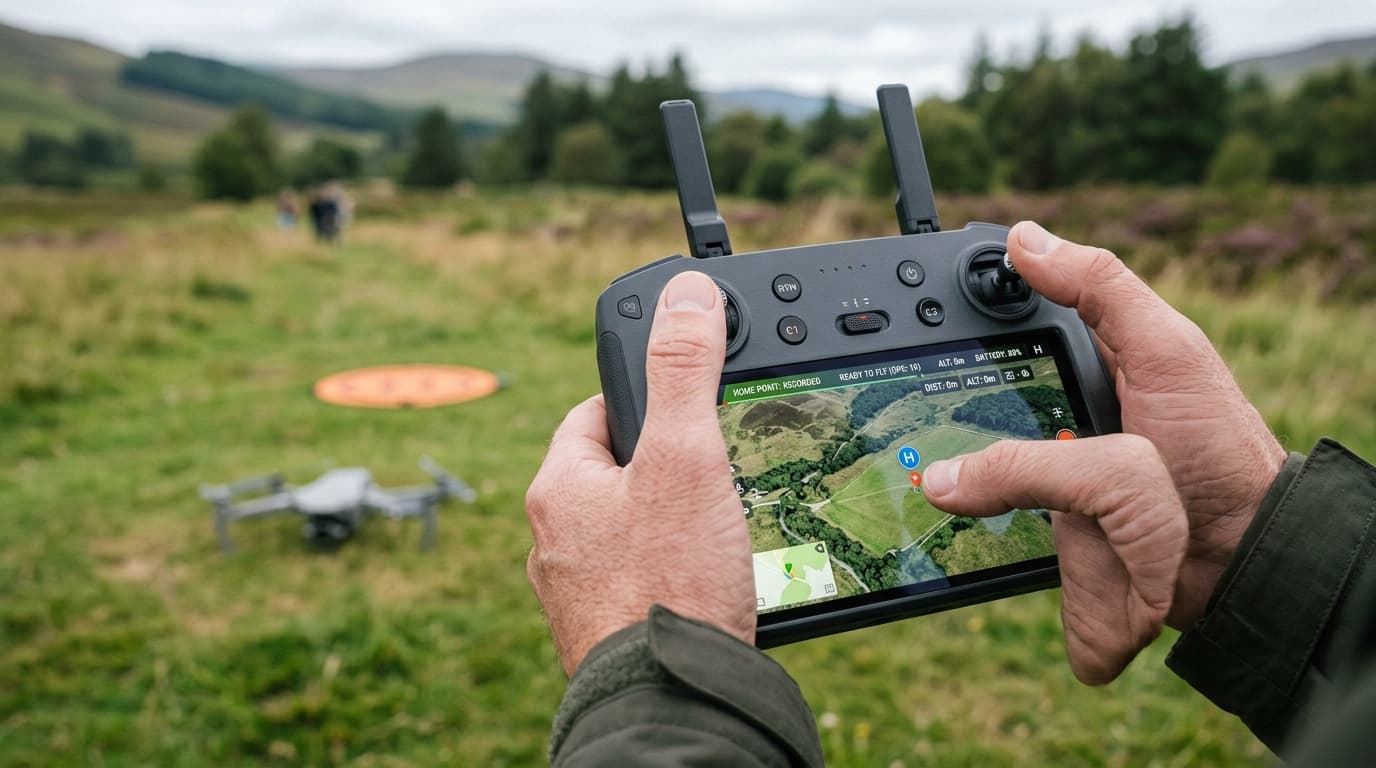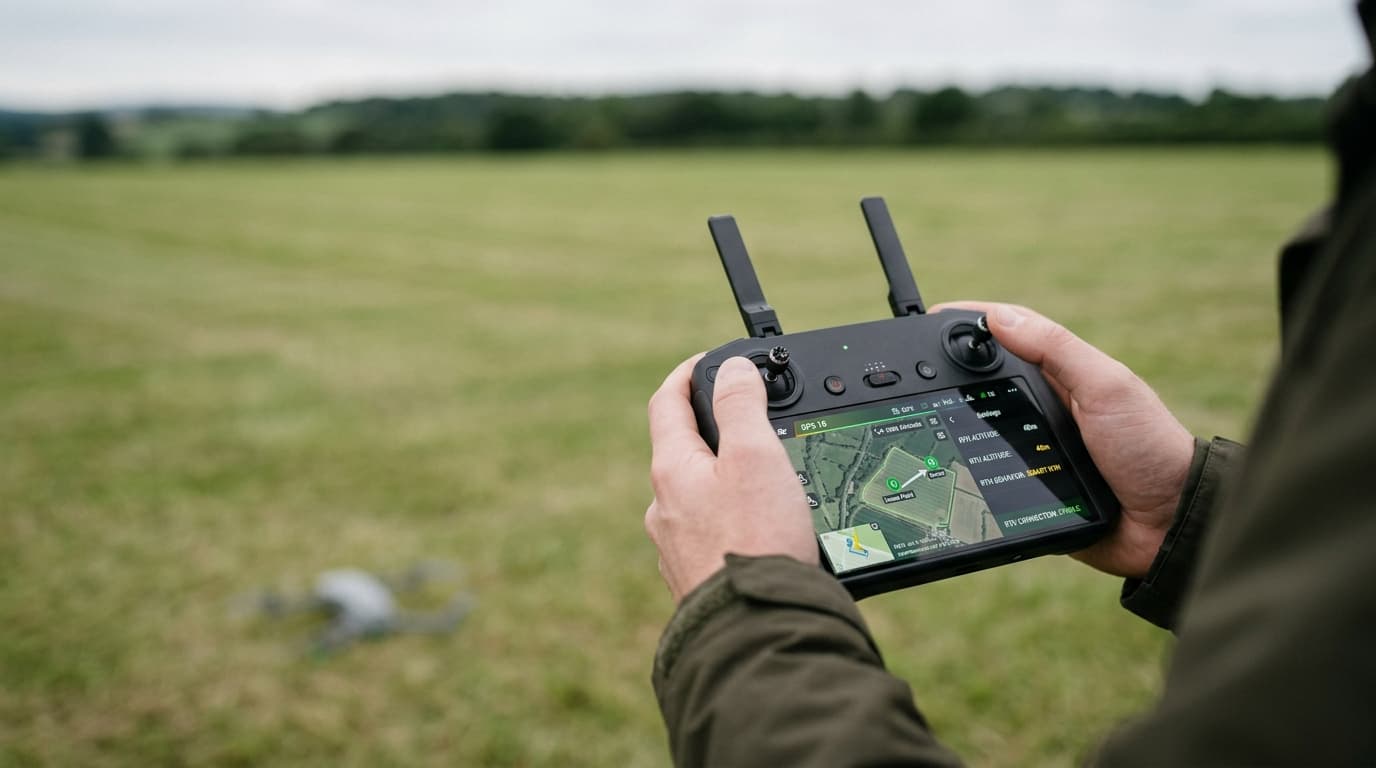
Too few satellites, a home button that stays greyed out, a drone drifting sideways in still air, or a sudden switch into a mode where the aircraft no longer holds position — a weak or lost GPS signal shows up in a handful of recognisable ways, and none of them mean the receiver is broken. In almost every case the cause is where and when you took off, not a faulty part. Here is what a weak fix does to your aircraft, why it happens, and how to stop chasing it mid-flight.
What a weak fix looks like, and what ATTI mode means
A healthy GPS fix gives the flight controller a reliable position, so the drone can hover in place, hold a course, and let return-to-home fly a straight line back. A weak fix sits between working and gone: satellite count is low, the position estimate is noisy, and the aircraft may hover but drift a metre or two, or "hunt" slowly even with no wind.
When the fix drops below what the controller trusts, most drones fall back to ATTI mode — short for attitude mode, sometimes labelled ATTI, Manual, or non-GPS mode depending on the manufacturer. In ATTI, the controller stops correcting drift with position data and only holds the tilt angle you command:
- The drone no longer holds a fixed point in the air — any breeze pushes it, and it stays pushed until you correct it.
- Return-to-home and other GPS-dependent automation are unavailable or unreliable.
- Small, unintentional stick movements translate directly into drift, so the aircraft feels twitchier and less forgiving.
None of this makes the drone unflyable — it makes it fly like an aircraft without GPS assistance, requiring active manual correction the whole time it stays in that mode.
Why the signal weakens: the usual causes
- Flying indoors or under a solid roof. GPS satellites are line-of-sight; a building, hangar, or garage blocks the signal outright.
- Urban canyons between tall buildings. Reflected and blocked signals confuse the receiver — it may see satellites that bounced off a wall and calculate a position that jumps around, worse than simply having no fix.
- Flying under trees or dense canopy. Foliage attenuates the signal enough to drop the satellite count below a usable threshold, especially in wet or dense summer growth.
- An unfinished cold start. Right after power-on, the receiver needs time to download almanac and ephemeris data and lock onto enough satellites. Taking off during this window is one of the most common self-inflicted causes of a weak signal.
- Radio-frequency interference nearby. Powerful transmitters, some industrial equipment, and other electronics close to the aircraft can raise the receiver's noise floor.
- The airframe or an accessory blocking the antenna. A poorly routed cable, a case, an added light, or a badly seated battery can sit directly over the GPS antenna and shadow part of the sky.
The fix: what actually restores a reliable position
- Launch from open sky with a clear horizon. The fewer obstructions between the antenna and the satellites overhead, the faster and more stable the fix. A rooftop lot under a bridge or a spot pressed against a treeline is not open sky, even if it looks spacious enough for takeoff.
- Wait for a solid satellite count before takeoff, not after. Most controllers show a live count or a fix-quality indicator. Treat "enough to arm" as a minimum, not a target — a few extra seconds costs nothing and removes the most common cause of an early ATTI switch.
- Keep clear of known interference sources. Flying regularly from the same field and seeing recurring GPS trouble is a cue to check what changed nearby — new infrastructure, parked vehicles with active radios, or construction equipment.
- Calibrate the compass whenever the app prompts it. A GPS fix and a healthy compass are separate systems working together; a compass error can produce erratic behaviour that looks like a GPS problem even when the satellite count is fine. Do not skip the prompt to save time.
- Be ready to fly manually in ATTI. If the aircraft drops into ATTI mid-flight, do not fight it by mashing the sticks — treat it as flying without position hold: smaller, deliberate inputs, active correction for drift, and a plan to bring it down in open space rather than push on with the original flight line. Priority is landing safely, not chasing the fix back.
What matters now
A weak or lost GPS signal is rarely a hardware failure — almost always it is the launch site, the timing of takeoff, or something physically shadowing the antenna. Pick open sky, wait out the fix before arming, and know that ATTI mode is a flyable state that asks for manual correction, not a failure that ends the flight on its own.
Next step: GNSS behaviour, compass interaction, and non-GPS flight are exam material in the A1/A3 syllabus — read the GNSS, compass and home point lesson and pair it with the compass and IMU error troubleshooting. If the home point also failed to set or hold, or RTH hasn't behaved, see the home point troubleshooting guide and the RTH not working guide — and if a flight actually got away from you, read what to do about a flyaway. Learn the full picture with the dronelingo course before a weak fix catches you off guard.