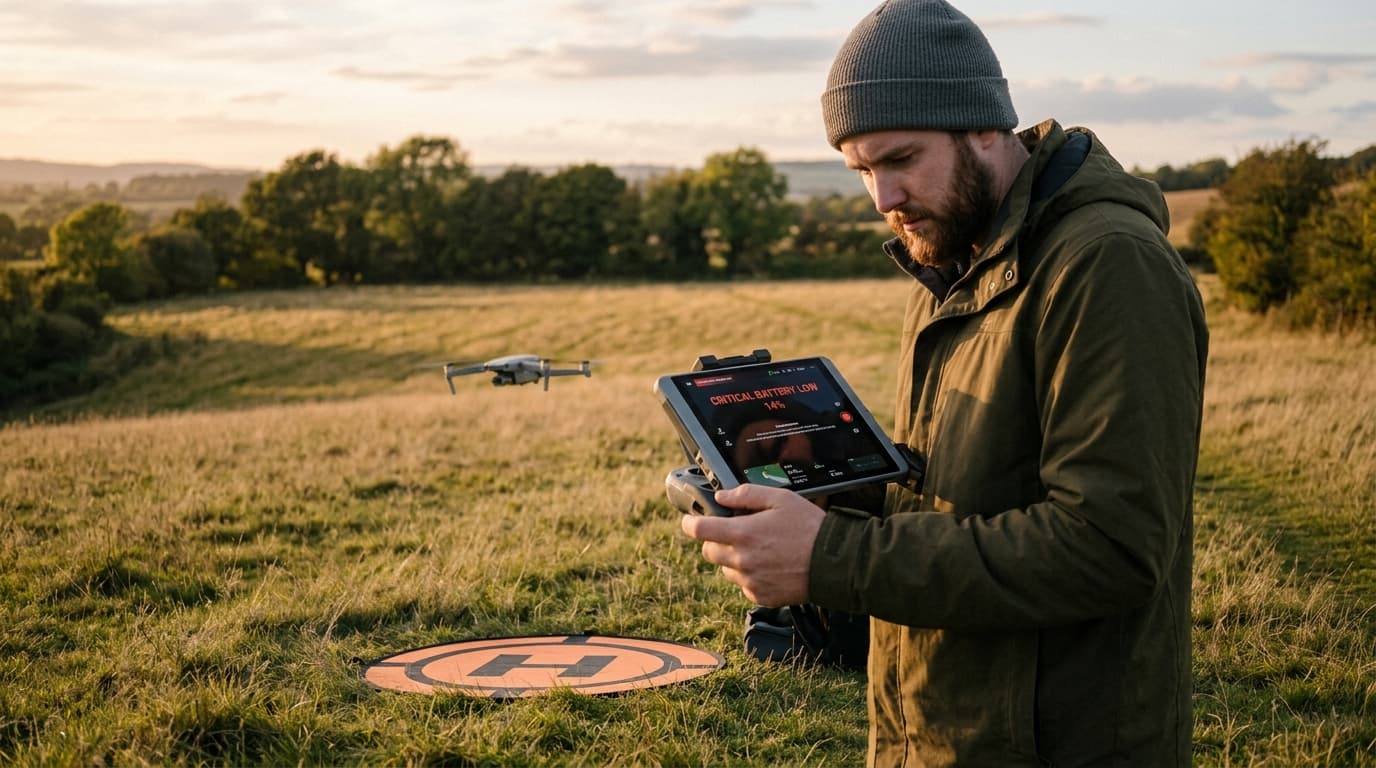
Return-to-home did not trigger — either it never activated on signal loss, or it activated and did the wrong thing. The failsafe most pilots trust as a last resort is also one of the least tested: it runs once, on the worst day, with no rehearsal. Most of the time the cause is not a broken drone. It is a setting, a missing GPS lock, or an assumption never checked before takeoff.
How RTH actually works
Return-to-home is a scripted manoeuvre, not a smart one. On a typical GPS drone the sequence is: climb (or hold) to a pre-set RTH altitude, fly a straight line back to a recorded home point, then hover or land automatically. Every step depends on data the drone collected earlier in the flight, not on anything it senses about the route home in real time.
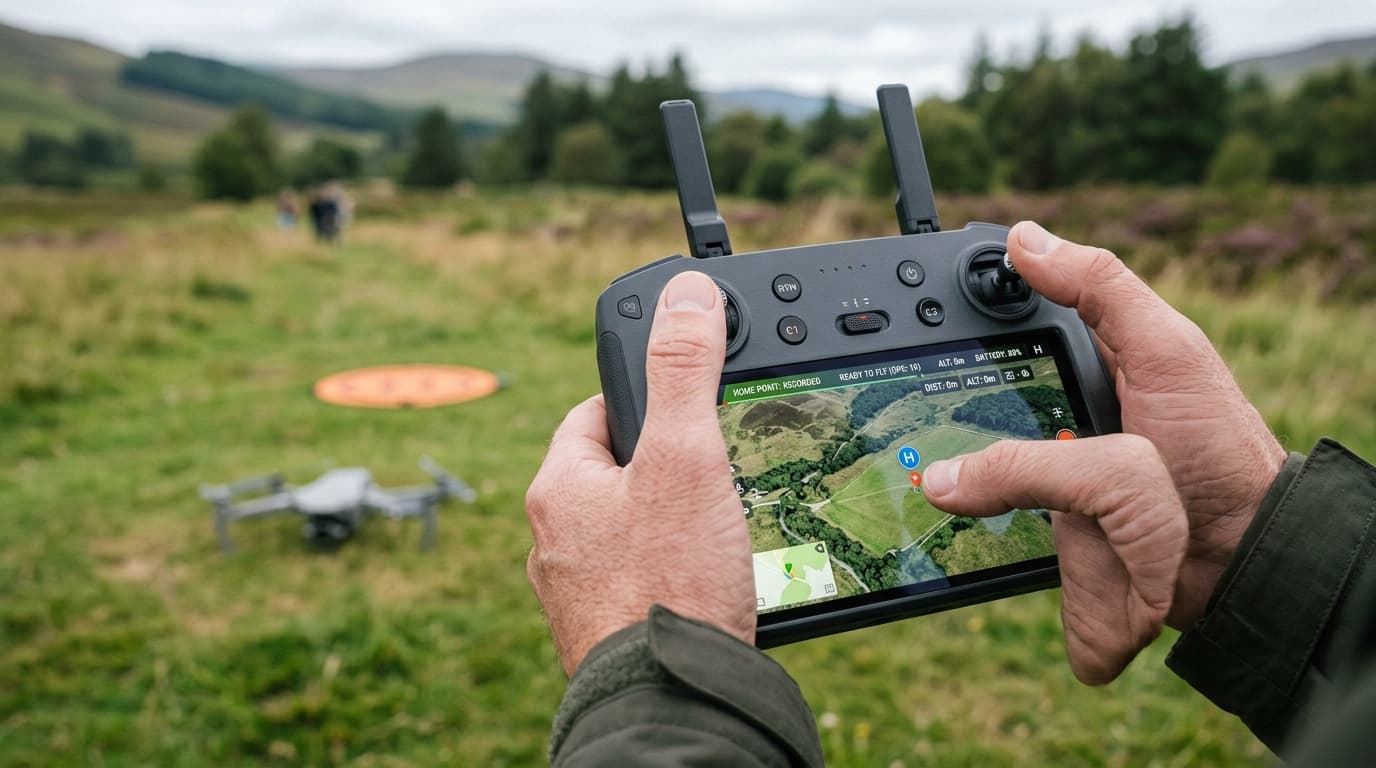
Two pieces of data make or break it. The home point is the GPS coordinates the drone recorded as "home" — almost always set once the aircraft has a stable satellite fix, at power-on or at the first valid GPS lock after takeoff. The RTH altitude is a height set by the pilot, or left at a factory default, that the drone climbs to before flying back to clear obstacles along the route.
RTH is not one behaviour but a category of behaviours a drone can run when something goes wrong — signal loss, low battery, or a manual button press. What happens depends entirely on how the failsafe is configured, which is the part most pilots never open the settings menu to check.
Why RTH fails to trigger
The home point was never recorded. If GPS never achieved a lock stable enough to set a home point, there is nothing for the drone to fly back to. Some flight controllers refuse to arm without one; others fly on GPS position hold alone and simply skip RTH when the moment comes, because the reference point does not exist.
GPS was not locked at takeoff. A weak or unstable fix at the exact moment of takeoff is a common trap: the drone shows "GPS ready" a few seconds too early, records an inaccurate home point, or loses the fix seconds after launch — covered in more detail in weak GPS signal. RTH built on a bad fix does not fail loudly; it flies confidently to the wrong coordinates or refuses to activate at all.
The failsafe is set to hover or land, not return. This is the most overlooked cause, and the one with nothing mechanically wrong. Most flight-control apps let the pilot choose what happens on signal loss: return-to-home, hover in place, or land immediately. If the failsafe is set to hover or land — by factory default or a setting changed once and forgotten — the drone will do exactly that, and RTH simply never runs.
Manual override, too few satellites, or RTH disabled. Three smaller but common traps. RTH is a suggestion the pilot can cancel, not a lock: touching the sticks during an active sequence, even by accident, hands control back and cancels the automated return on many systems — from the ground it looks identical to "RTH not working." A GPS/GNSS fix also needs enough satellites in strong enough geometry to be trustworthy; near buildings or treelines it can sit just above the minimum needed to arm but below what the failsafe logic trusts. And some systems let RTH be disabled outright, by a flight mode or an accidental settings change.
The fix
- Confirm GPS lock and the home point before every takeoff, not just once per session. Most apps show a clear "home point set" indicator — check it, not just the satellite count.
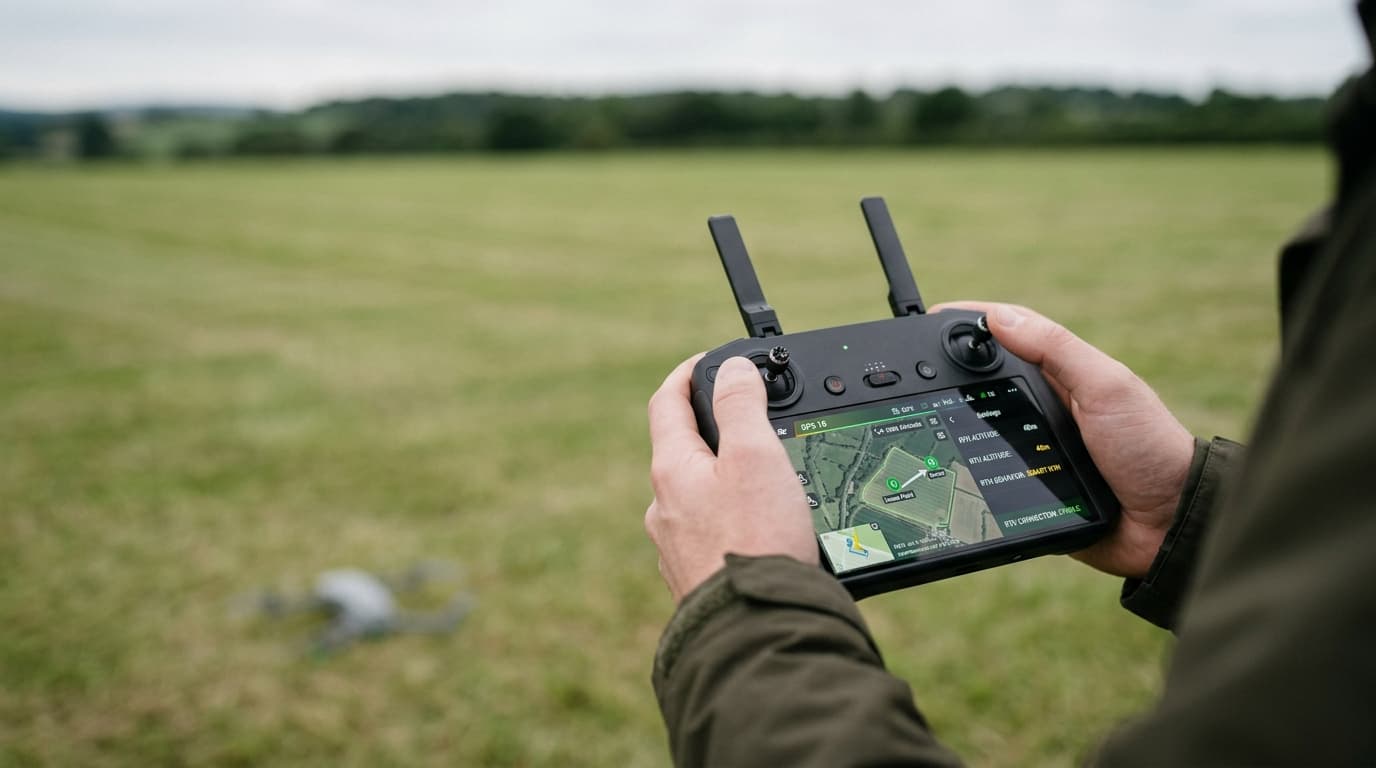
- Set the RTH altitude for today's site, above the tallest obstacle on the route between the launch point and home, not a value carried over from a different field.
- Know the failsafe RTH from the manual RTH button. One triggers automatically on signal loss according to a setting the pilot chose; the other is a deliberate command. Check which failsafe action is currently selected, not what it was months ago.
- Test RTH once, deliberately, in the open — away from obstacles, with the aircraft in sight — so the actual behaviour is known before it is needed for real.
The home point not set and weak GPS signal articles go deeper on the two most common root causes above; the pre-flight checklist is where this check belongs on every flight, not as an afterthought once something has gone wrong.
What matters now
RTH is a scripted response built on two pieces of data — a home point and an altitude — and a failsafe setting the pilot chose, deliberately or by default. When it fails to trigger, the fault is almost always in that setup, not the airframe. Confirm the setup before takeoff, and know what the drone will do on signal loss before it happens for real; that decision belongs in the lost-link and emergency landing lesson, not worked out mid-flight.
Next step: RTH logic, home-point checks, and GNSS fundamentals are all exam material in the A1/A3 syllabus. Learn the failure modes properly with the dronelingo course before a real flight exposes a setting nobody checked.