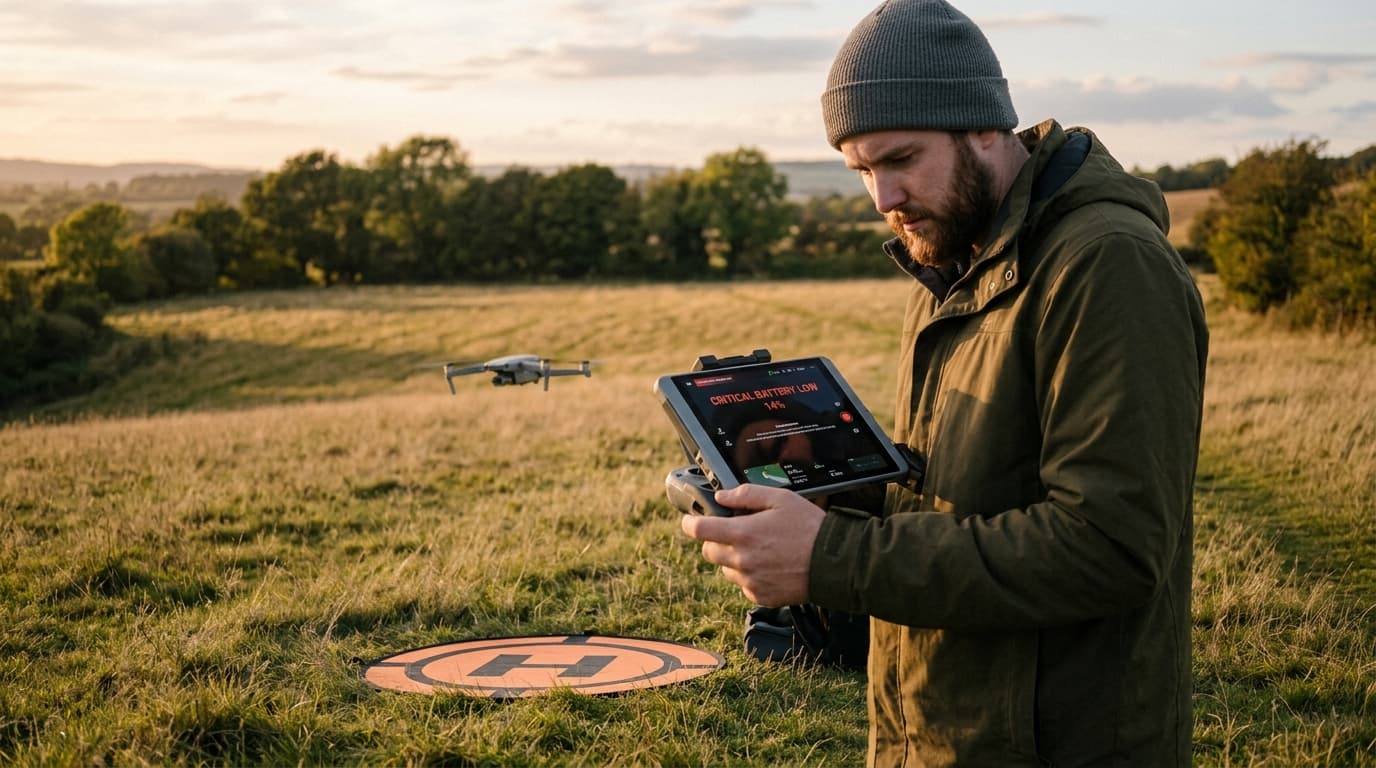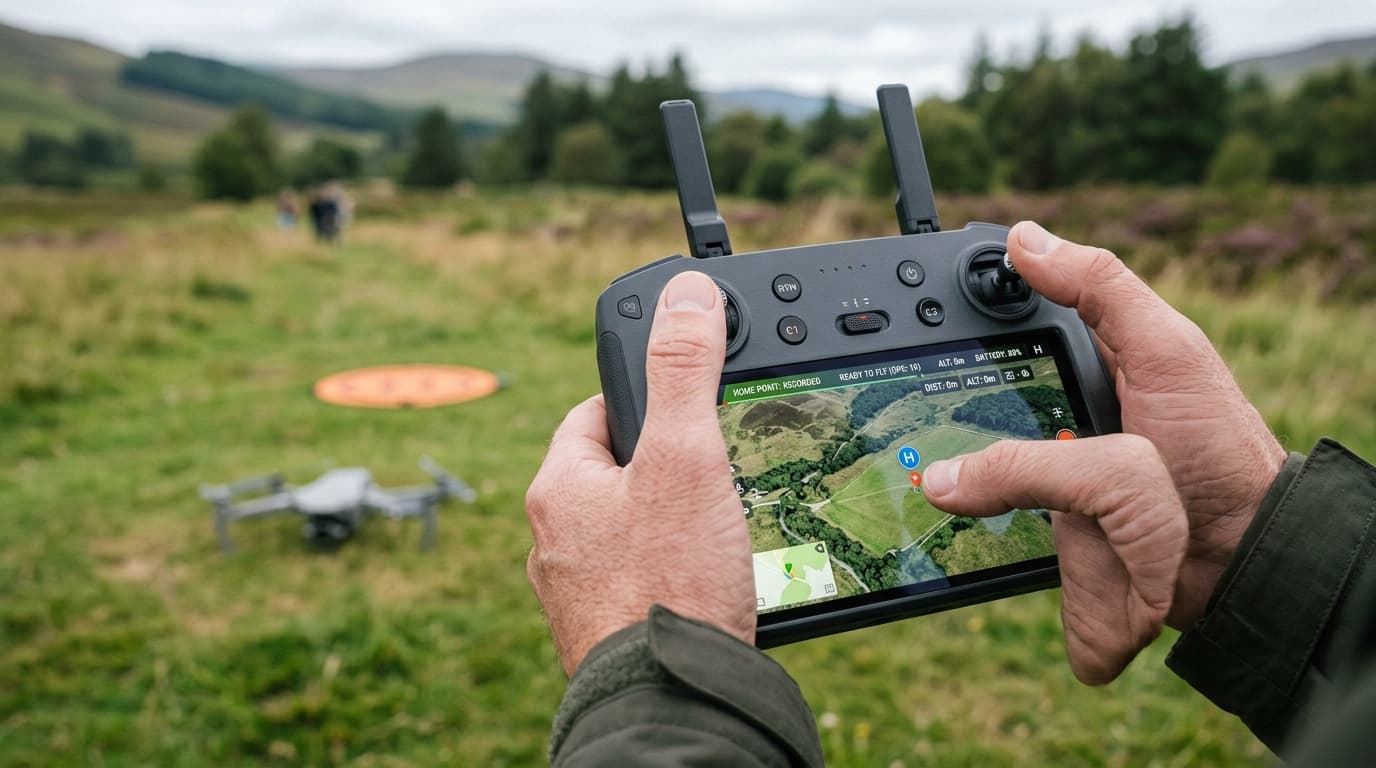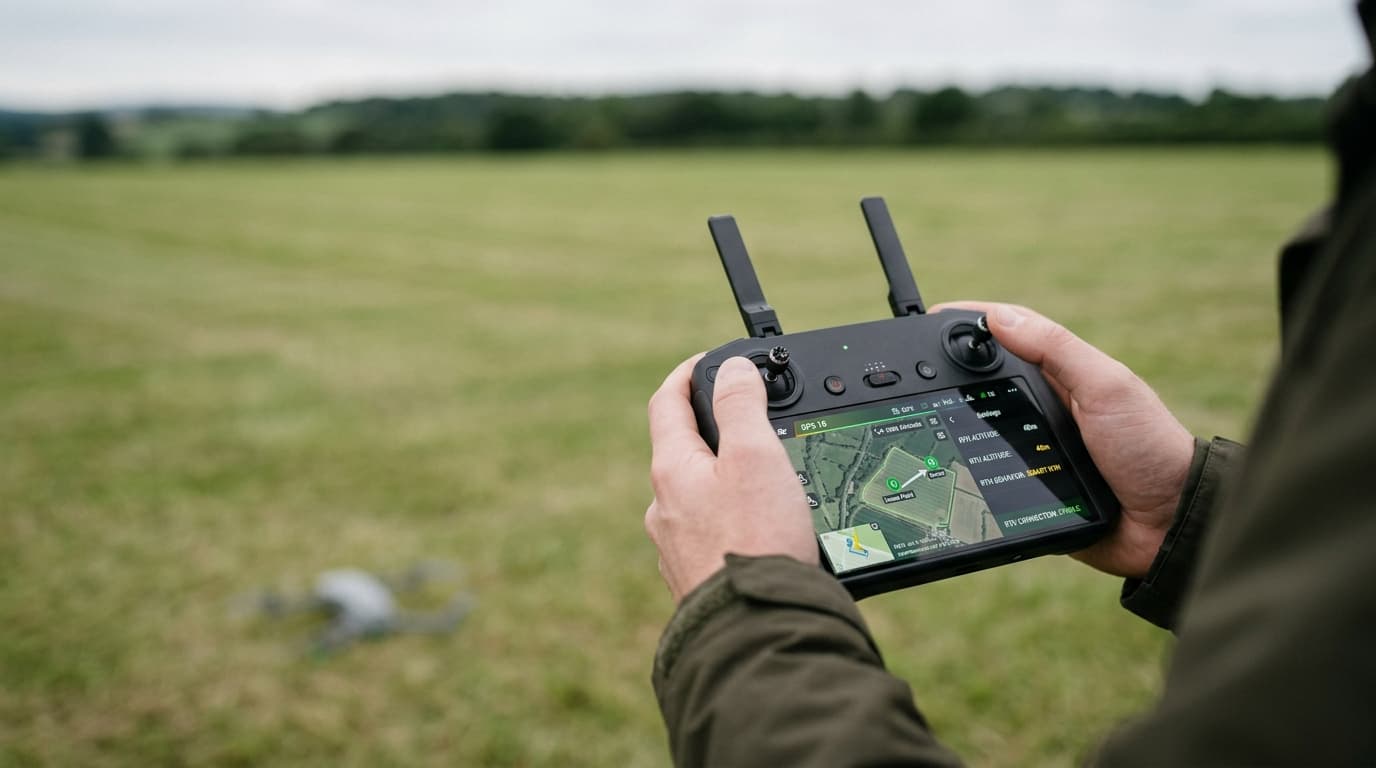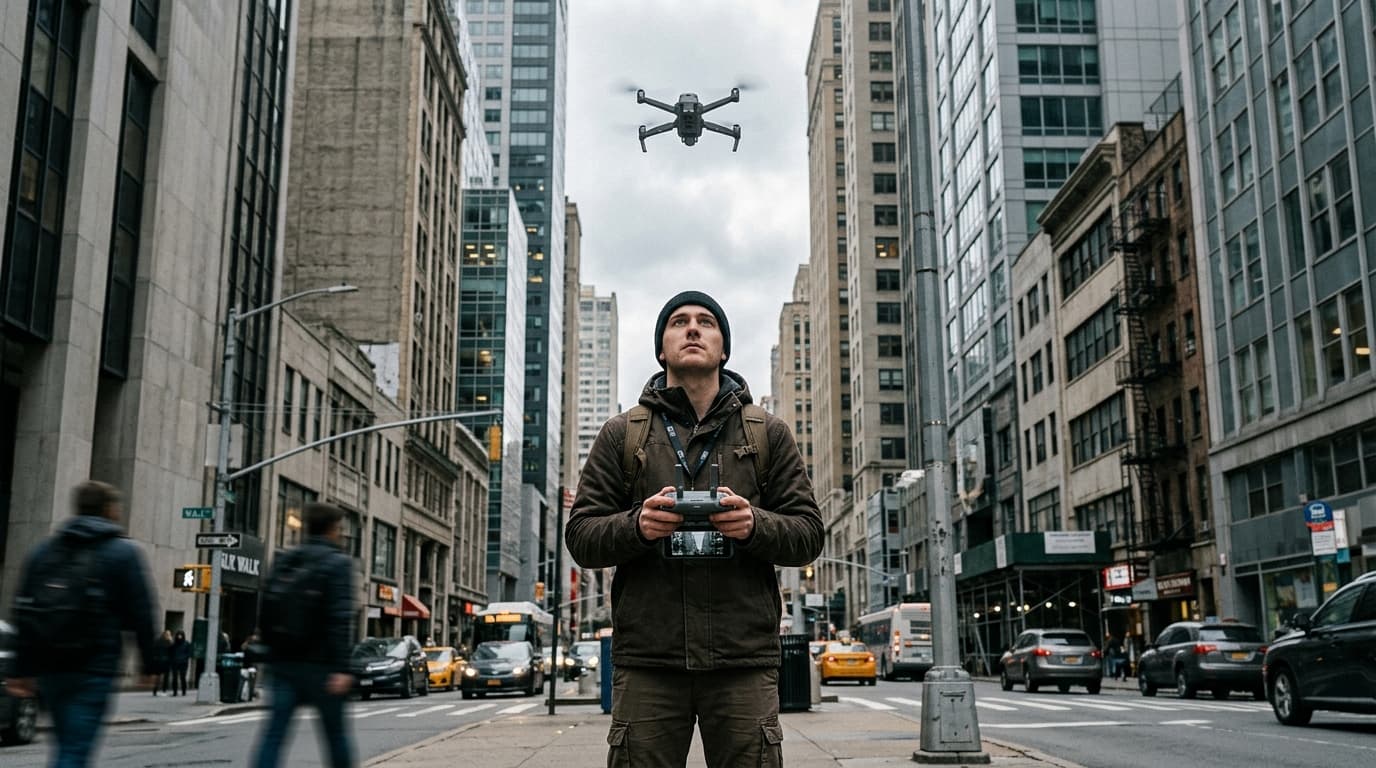
The video feed stutters, breaks into blocks, freezes for a second and recovers — or it does not recover, and the controller flashes a weak-signal warning followed by a full disconnect that hands control to whatever failsafe is configured. In open countryside this is rare. Fly the same aircraft downtown and it can happen every few minutes. The behaviour is not random: a city is a genuinely harder radio environment for a drone control link, and the fix usually starts with understanding why, not with buying a new antenna.
Why cities are hostile to the control link
Most consumer and enterprise drones talk to the controller over the 2.4 GHz band, with 5.8 GHz available on many models. Both bands are shared with everything else that talks wirelessly: home and office Wi-Fi routers, Bluetooth devices, security cameras, other pilots flying nearby. In a city block, the number of transmitters competing for the same slice of spectrum is an order of magnitude higher than in a field, and the link has to find clean space among all of it.
Buildings make the physics worse, not just the spectrum. Concrete and steel structures reflect radio signals, so the controller can receive several copies of the same transmission arriving a fraction of a second apart — multipath, which video and control links tolerate poorly. The same structures also shadow the signal: once the aircraft passes behind a building relative to the pilot, the direct path is gone, and what remains is whatever weak reflection can find its way around the obstruction. This is also where the legal side and the physics side line up: the VLOS requirement in Reg (EU) 2019/947 (UAS.OPEN.060) obliges the remote pilot to keep the aircraft in sight without technical aids throughout the flight, and an aircraft you can actually see is, not coincidentally, one with a much better chance of a clean radio path back to you.
Matching the cause to the symptom
Not every dropout has the same cause, and the symptom usually points at it:
- Video degrades only when the aircraft is on one particular side of you. That is an antenna orientation problem. Controller antennas radiate weakest off their tips and strongest off their broad side; if the antennas point straight up while the aircraft drifts off to your left, you are aiming the link's weak spot at your own drone.
- The signal is fine, then drops sharply the moment the aircraft crosses behind a building, wall or dense treeline. That is a genuine obstruction between pilot and aircraft — not interference, not distance, simply no path for the radio wave to travel. No antenna adjustment fixes a wall in the way.
- Quality falls off gradually and evenly as the aircraft gets farther away, in any direction. That is distance — you are approaching the edge of the link's usable range, and urban clutter shortens that range compared with open terrain.
- Warnings and dropouts happen close to the aircraft, near shopping centres, dense housing blocks or wherever other pilots are flying, and do not correlate with direction or distance. That is RF congestion — the band is crowded, and the link is competing for clean spectrum rather than fighting geometry.
The fix
- Point the controller antennas broadside at the aircraft, not the tips. Hold the controller so the flat side of each antenna faces the drone; this alone resolves a large share of city dropouts that look like a signal problem but are really an orientation problem.
- Keep true line of sight, not the legal minimum. For the control link this is physics as much as regulation: an actual unobstructed path to the aircraft is worth more than a stronger transmitter. Fly above rooflines where the rules allow, and avoid routes that put a building between you and the aircraft even briefly.
- Reduce distance in built-up areas. The manufacturer's stated range is measured in open terrain with no competing transmitters; treat it as a ceiling, not a target, once you are downtown.
- Switch to a less congested band or channel where the model allows it. Some controllers auto-select; others let you force 5.8 GHz over 2.4 GHz or pick a channel manually. A less crowded band buys real margin in a dense RF environment.
- Avoid routes that go behind buildings, even as a shortcut — the moment line of sight breaks, so does the cleanest path for the signal.
- Know what your failsafe will actually do before you need it — hover, land in place, or return to home — and configure it deliberately rather than discovering it mid-flight. The lost-link and emergency landing lesson covers the decision logic behind each option; if return-to-home itself has misbehaved before, the causes are covered separately in why RTH doesn't work. Checking antenna position and the configured failsafe belongs on every pre-flight checklist, not just the first time you fly a new aircraft in a new city.
What matters now
A stuttering feed or a disconnect over a city is rarely a broken drone — it is the control link losing a fight against reflections, shadowing and a crowded band that a rural flight never has to fight. Read which pattern you are seeing — directional, sudden, gradual or congestion-driven — before assuming the aircraft or controller is at fault, and let a properly configured failsafe do its job rather than fighting it. A link that degrades slowly is a warning to shorten the flight; a link that vanishes suddenly behind a building on a route you fly often is worth rethinking before it turns into an actual flyaway.
Next step: the radio-link and failsafe logic behind every scenario above is exam material — lost link, VLOS, and pre-flight risk assessment are all in the A1/A3 syllabus. Learn it properly with the dronelingo course before the next flight teaches it the expensive way.