Bright-day drone footage has a common failure mode: every pan stutters, water looks frozen, and the clip feels like a slideshow. The cause is usually a shutter speed forced far too high by the sun — and the fix is an ND filter. Here is what ND filters for drones actually do, when they earn their place, and when they are dead weight.
What an ND filter does
ND stands for neutral density. The filter is a piece of darkened glass in front of the lens that cuts the amount of light reaching the sensor without changing its colour — sunglasses for the camera. Nothing else about the image changes: no polarising effect, no contrast trick, just less light.
The point of cutting light is to buy back a slower shutter speed. Video looks natural when each frame carries a small amount of motion blur; strip that blur away and movement turns harsh and stroboscopic.
Why drones need ND more than ground cameras
On a ground camera you have three exposure levers: aperture, shutter speed, and ISO. Too much light? Stop the aperture down and the problem is gone.
Most consumer drones remove that lever. Their cameras ship with a fixed aperture — typically around f/1.7 to f/2.8 — chosen for low weight and decent low-light performance; only a handful of larger camera drones have an adjustable iris. With aperture fixed and ISO at base, the shutter is the only variable left. In full sun it gets driven to 1/2000 s or beyond, and the motion blur disappears.
An ND filter is the missing aperture: it lets you hold the shutter where video wants it.
The 180-degree rule connection
The classic guideline for natural-looking motion is the 180-degree shutter rule: set the shutter to roughly 1 / (2 × frame rate). At 25 fps that means about 1/50 s; at 30 fps, about 1/60 s.
Now run the numbers for a sunny day. Base ISO, f/2.8, shutter at 1/50 s — the image is overexposed by several stops, and the drone has no aperture to close. Without ND, your choices are an unusably bright clip or a shutter of 1/1600 s and jittery footage. With the right ND, 1/50 s exposes correctly and the motion looks like cinema instead of CCTV.
The rule is a guideline, not a law — but it is the reason ND filters exist for drones at all.
Choosing strength: what ND8, ND16, ND32, ND64 mean
The number tells you by how much the filter divides incoming light. Each doubling costs one stop:
| Filter | Light reduction | Stops |
|---|---|---|
| ND8 | 1/8 | 3 |
| ND16 | 1/16 | 4 |
| ND32 | 1/32 | 5 |
| ND64 | 1/64 | 6 |
Generic guidance for video around 1/50–1/60 s at base ISO:
- Light overcast, soft sun: ND8
- Partly cloudy, ordinary bright day: ND16
- Full sun: ND32
- Harsh sun over water, sand or snow: ND64
Conditions, frame rate and the specific camera shift these one step either way — which is why filters are sold in ladders, not singly. Treat the table as a starting point and let the histogram decide.
ND vs polarizer, briefly
A polarizing filter (PL) does a different job: it cuts reflections and glare from water, glass and haze, and can deepen a blue sky. It costs one to two stops of light as a side effect, but that is not its purpose. One caveat matters more in the air than on the ground: a polarizer's effect depends on its orientation to the sun, and a drone yaws constantly — the strength of the effect will visibly change mid-shot. ND/PL combination filters exist; they inherit the same caveat.
If your problem is too much light, you want ND. If it is glare on the lake, you want PL — and a plan for how the shot moves.
When not to bother
- Photos. A still image does not need motion blur. A fast shutter at 1/2000 s is fine — often better, since it also freezes any gimbal vibration. For pure photo flights, leave the ND off.
- Overcast, dawn, dusk. When light is already scarce, an ND filter only pushes you toward higher ISO and noise.
- When simplicity wins. A slightly-too-fast shutter is a smaller sin than a badly exposed clip. ND is a refinement, not a prerequisite for flying.
Practical workflow
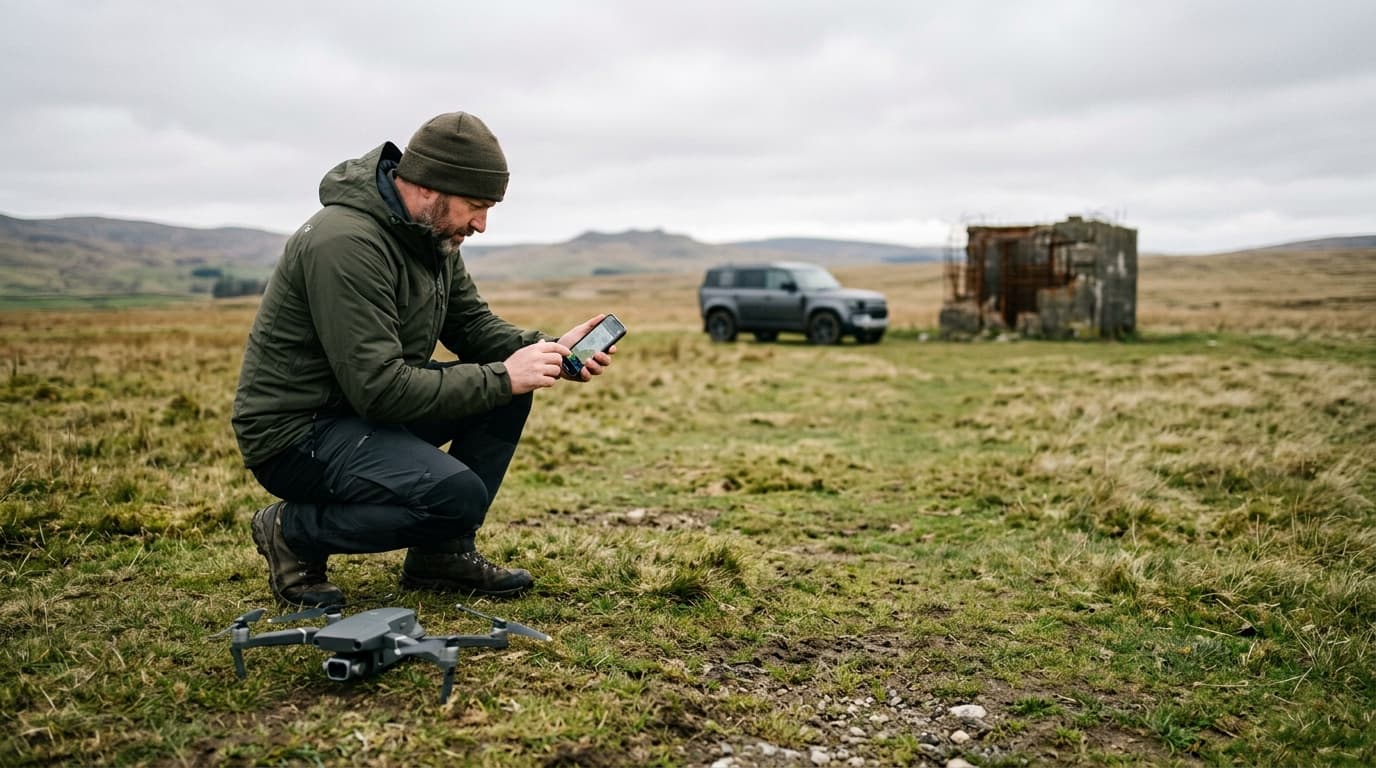
- Judge the light on the ground and pick a filter before the props spin.
- Fit the filter with the drone powered off — gimbals dislike being handled while live.
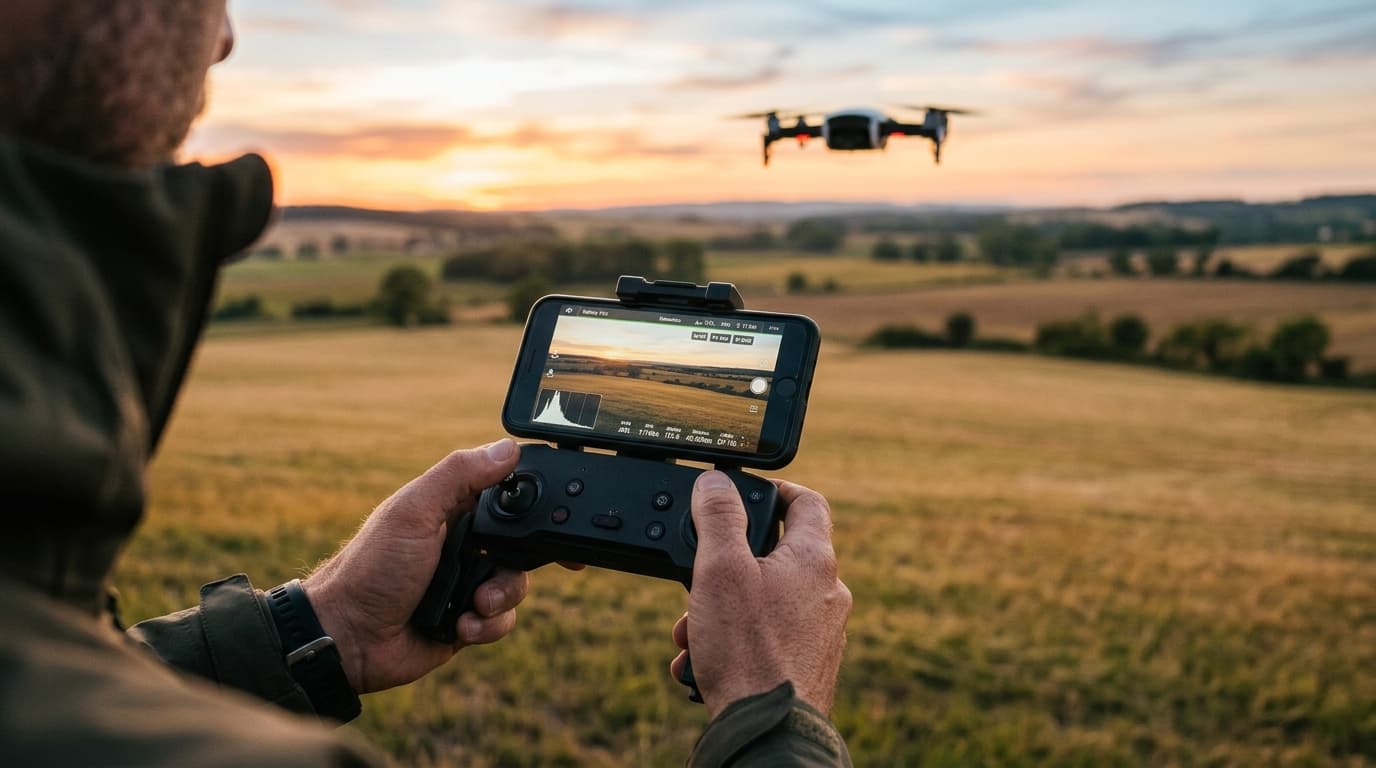
- Take off, shoot a short test clip, and read the histogram or zebras, not the screen brightness.
- Wrong filter? Land and swap. Never reach for a spinning drone or try to change glass mid-air by hand-catching. The two minutes cost less than a hand injury or a filter dropped through the props.
Cheap filters: the hidden costs
Filter quality is mostly glass quality. Poor filters add a colour cast (the "neutral" part quietly fails), soften fine detail, and — relevant only on drones — add weight at the very front of the gimbal. A few extra grams there can unbalance the gimbal, strain its motors and introduce micro-vibration that shows up as jello or blur. Whatever you buy should be light and fit the mount properly; a loose filter is a filter waiting to meet a propeller.
Filters change the footage, not the rules
No accessory changes what you are allowed to do in the air. The exposure side of this story continues in drone camera settings; the legal side lives in the rules for drones under 250 g.
One point deserves care: EU rules count take-off mass with everything on board, payload included (Reg (EU) 2019/947 and the EASA definitions behind it). A drone marketed at 249 g has roughly one gram of headroom — a filter, prop guards or a heavier battery can put the actual take-off mass at or over 250 g, and the sub-250 g allowances then no longer describe your flight. In Latvia, 250 g is also the line above which the remote-pilot exam becomes mandatory. Check the scale, not the box.
Takeaway
ND filters give a fixed-aperture drone camera back the exposure control it never had, and the 180-degree rule tells you why that matters. Buy a small ladder, choose by histogram, swap on the ground, and skip them entirely for photos and grey skies. And whatever glass sits on the lens — the exam is still the same. Prepare for it with the dronelingo course.