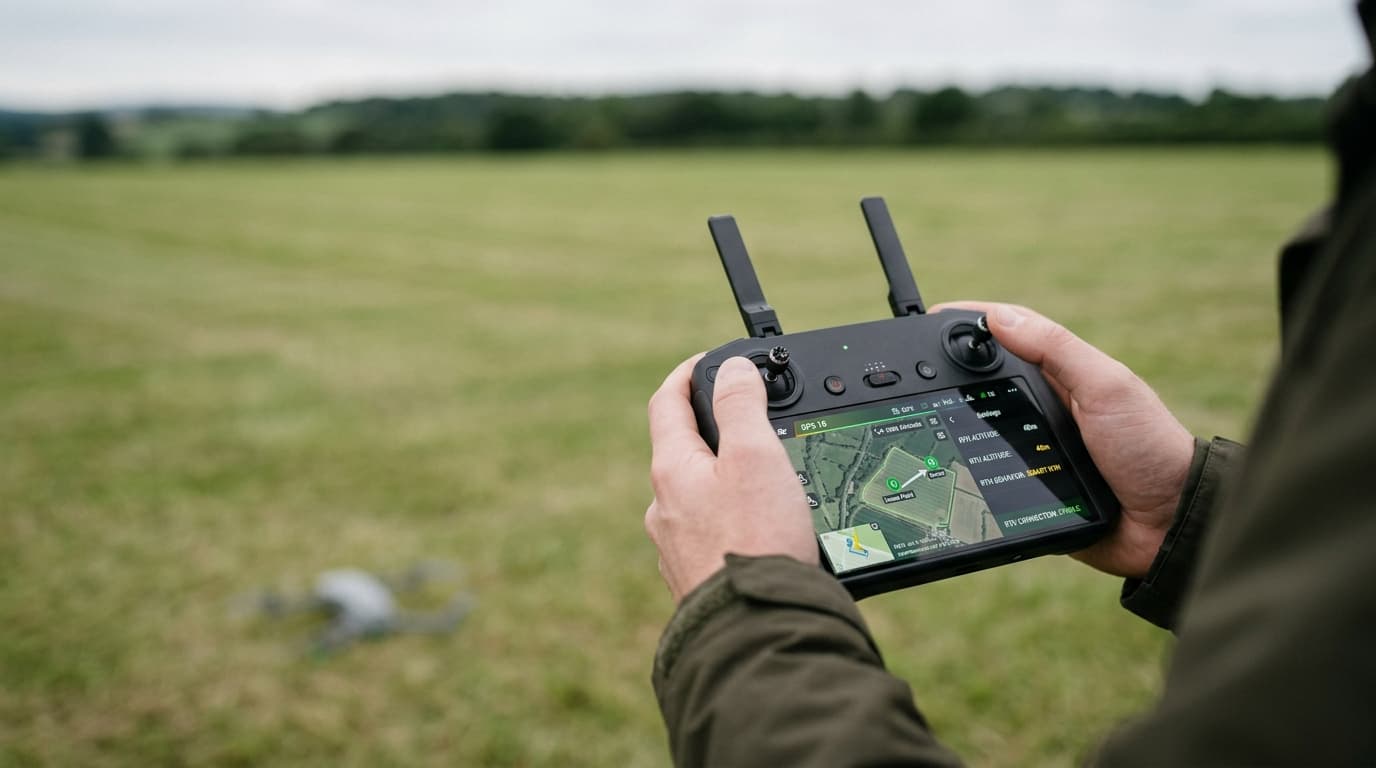
You are three minutes from home, the percentage reads a comfortable number, and then the controller throws a critical-battery warning and starts a return-to-home you cannot cancel. The stick inputs stop doing anything useful. The drone descends on its own schedule, not yours. This is not a malfunction — it is the failsafe working exactly as designed, and it is almost always avoidable.
How the threshold actually works
A smart battery reports two separate things to the flight controller: a low-battery warning and a critical-battery threshold. The first is a heads-up — land soon. The second is not a suggestion. Once cell voltage or estimated remaining capacity crosses that line, the firmware takes over: forced descent, or an automatic return-to-home if there is judged to be just enough charge to get there.
The critical threshold is not a fixed percentage on a shelf somewhere. Most modern flight controllers estimate it from the aircraft's actual state: distance from the home point, current altitude, wind resistance on the return leg, and the battery's own voltage sag under load. A drone hovering 50 metres from you and one flying 1.5 km out at 100 metres altitude reach "critical" at very different indicated percentages, because one of them still has to fly home first.
That is also why the same battery behaves differently on different flights. Fly aggressively into a headwind on the way out, and the return trip costs more energy than it did on a calm day — the critical threshold effectively moves closer.
Why it catches pilots out
A few patterns show up again and again:
- Flying too far, too late. Pushing range at the edge of the battery's comfort zone leaves no margin for the return leg, especially against wind.
- Headwind on the way back. Outbound with a tailwind feels efficient; the same wind on the way home eats the reserve you thought you had.
- Cold cells. Low temperature raises internal resistance and makes voltage sag harder under load, which can trigger the critical threshold well before the indicated percentage would suggest trouble — the mechanism is the same one covered in our guide to flying in cold weather.
- Ageing packs. A battery that has been through many charge cycles holds less usable capacity than a fresh one, even if it still reports a full charge on the shelf. Voltage sags faster under load, and the critical threshold arrives sooner in real flight time.
- Storage-charge myths. Some pilots assume a pack left at storage charge (roughly half) for weeks is fine to fly straight from the case. It usually needs a full charge and a settling period first — flying it half-charged only shrinks your margin from the start.
None of this is exotic. It is the ordinary arithmetic of energy in, energy needed for the trip home, repeated on every flight.
The fix
Plan a reserve before you take off, not after the warning fires. Decide, based on distance and conditions, how much battery you want in hand when the aircraft is back overhead — and treat that number, not zero, as your real limit.
Treat the first warning as the turn-around cue, not the panic cue. By the time a low-battery warning appears, the decision has already been made for you by physics; the only useful response is to start heading back immediately, not to finish "just one more shot."
Warm batteries before flight in cold conditions. A pack that starts near room temperature sags less under load and gives you a threshold that matches the indicated percentage far more closely.
Retire tired packs. If a battery's real-world flight time has visibly shortened compared to when it was new, it is telling you it can no longer be trusted with the same margins you used to plan around.
If the failsafe engages, let it land — deliberately. Fighting return-to-home or a forced descent to squeeze out a better landing spot burns the energy you no longer have. Take manual control only to guide the aircraft onto a safe, clear surface within the descent it is already making; do not try to out-argue the voltage curve.
What matters now
A critical-battery auto-landing is the aircraft protecting itself from a voltage cliff it can see coming and you often cannot. The reliable fix is not a faster reaction to the warning — it is planning the flight so the warning never has a reason to escalate: a real reserve, an early turn-around, warm cells, and packs retired before they start setting the rules for you.
Battery limits and forced landings sit inside the wider batteries and storage lesson — and if the aircraft ever drifts off after a failsafe fires, our guide on what to do when a drone flies away and why RTH sometimes fails cover the next steps. For the full syllabus behind the A1/A3 exam, work through it properly in the dronelingo course.