A drone compass error rarely means the compass is broken. In most cases the sensor is doing its job perfectly — it is measuring a magnetic field that your take-off spot has distorted. IMU errors follow a different logic entirely. Knowing which sensor is complaining, and why, decides whether you fix the problem in two minutes or make it worse with a panic calibration.
Two sensors, two different jobs
The compass is a magnetometer. It measures the Earth's magnetic field to work out which way the aircraft is pointing. The IMU (inertial measurement unit) is a set of accelerometers and gyroscopes that tracks attitude and motion — how the drone is tilted and how fast it is rotating and accelerating.
The difference matters for troubleshooting. Compass problems are almost always about the environment. IMU problems are almost always about temperature, surface, or hardware. Lump them together as "sensor trouble" and you end up recalibrating the wrong thing in the wrong place. How these inputs feed position hold and return-to-home is covered in the GNSS, compass and home point lesson — this article stays on the troubleshooting side.
Compass errors: the take-off spot is usually the culprit
The Earth's magnetic field is weak. Anything ferromagnetic or current-carrying near the drone bends it locally, and the flight controller sees a heading that disagrees with everything else. Common offenders:
- rebar inside concrete pads, bridges, parking decks and paved plazas
- cars — a drone launched from a car roof or tailgate sits centimetres from a large steel mass
- metal roofs, fences, manhole covers, railway tracks
- magnetized cases and accessories — tablet covers with magnetic clasps, speaker magnets, some landing pads with magnetic closures
- power lines and transformer stations
Typical symptoms: a compass interference warning before take-off, a heading arrow on the map that points the wrong way, or refusal to enter position-hold mode.
The toilet-bowl effect
One symptom shows up in flight rather than on the ground: the drone circles or spirals around a point while supposedly holding position, like water in a flushing toilet. The heading estimate is wrong, so every GNSS-based position correction pushes the aircraft in a slightly wrong direction, and the errors chain into a circle. Treat it as a compass problem, not a GNSS one: land promptly, move to a clean site, and do not trust return-to-home until the heading is sorted.
Why calibrating on the interference source makes it worse
Calibration does not "reset" the compass. It teaches the flight controller what the local magnetic field looks like so it can subtract the drone's own magnetic signature. Run the dance next to a car or on rebar-laced concrete and you bake that distorted field into the correction table. The drone is now miscalibrated everywhere else — including places where it previously flew fine.
This is why manufacturer support pages say to calibrate in an open area, away from metal structures and vehicles, and why a compass warning at a bad spot is a cue to move, not to calibrate on the spot.
When to calibrate the compass — and when not to
Calibrate when:
- the app explicitly requests it and you are standing in a clean, open area
- the drone was transported next to strong magnets — speakers, magnetic mounts, a car boot full of tools
- you have travelled a long distance (hundreds of kilometres or more) since the last calibration, because the local geomagnetic field differs
Do not calibrate:
- before every flight as a ritual — modern consumer drones do not need it
- while standing on or next to the interference source that triggered the warning
- in flight or in a hurry between battery swaps
Compass error fix checklist
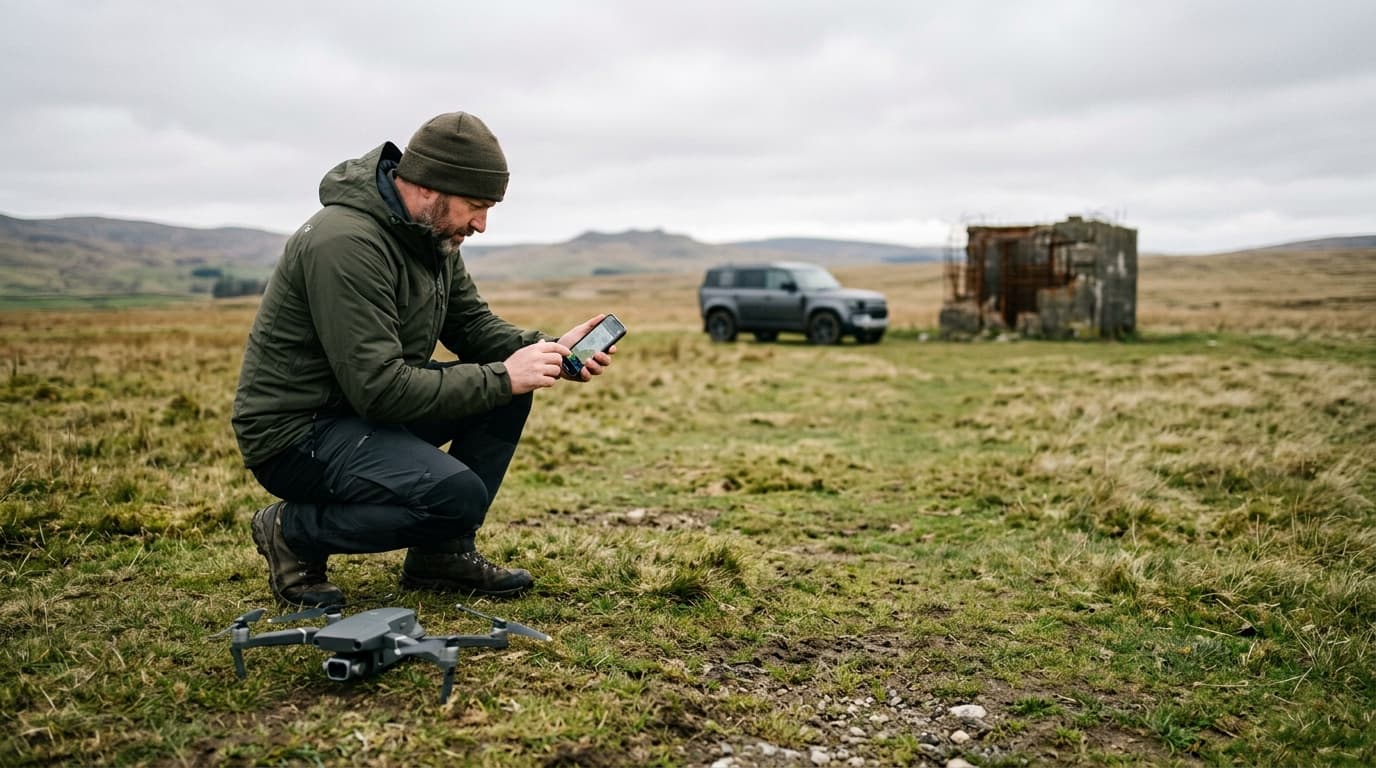
- Move the drone 10–20 m away from cars, buildings and fences, and off any paved or reinforced surface onto open ground.
- Remove magnetic accessories from and around the drone — cases, straps, phone mounts.
- Power-cycle the drone and controller. Very often the warning is gone.
- Still warned? Run the compass calibration exactly as the manufacturer app guides it, in that same clean spot.
- If the error persists across several different open locations, stop flying and contact service — at that point it points to hardware, often after a crash.
IMU errors: temperature, surface, hardware
The IMU does not care about magnets. Its accelerometers and gyroscopes have small measurement biases, and those biases drift with temperature — a sensor calibrated warm reads differently cold. This is a documented property of the sensor class; some flight-controller ecosystems calibrate the IMU across a temperature range, and some manufacturers heat the IMU block to a stable operating temperature before take-off.
Practical consequences: a drone carried from a warm car into freezing air (or the reverse) may show an IMU warning until temperatures settle, and an IMU calibration done on a cold drone straight out of storage is a calibration for the wrong temperature.
The second rule is the level surface. IMU calibration tells the flight controller "this is what level and stationary feels like". Run it on a sloped car bonnet or your palm and the drone will fight a phantom tilt in every hover.
IMU error fix checklist
- Put the drone on a hard, level, stable surface — floor or bare ground, not grass, not your hand.
- Let the drone reach ambient temperature and give it a minute after power-on; then restart once. Transient warnings often clear here.
- If the warning stays, run the full IMU calibration from the manufacturer app. Most consumer drones walk you through placing the aircraft in several orientations — do not touch it between steps.
- Update the firmware if the app suggests it; sensor-fusion fixes ship in firmware.
- If IMU errors keep returning after a correct calibration — especially after a crash or hard landing — assume hardware. Repeated recalibration will not heal a damaged sensor; book service.
Symptom → likely sensor, at a glance
| Symptom | Likely sensor |
|---|---|
| Interference warning at a specific spot | Compass (environment) |
| Heading arrow wrong on the map | Compass |
| Circling in position hold (toilet bowl) | Compass |
| Warning right after cold-to-warm transition | IMU (temperature) |
| Drifts or fights a tilt in a calm hover | IMU (bad calibration surface) |
| Errors persist everywhere after calibration | Hardware — service |
The takeaway
Most compass errors are fixed by walking twenty metres. IMU errors are fixed by a level surface, a settled temperature, and a properly executed calibration. Neither fixes a damaged sensor — persistent errors after a crash mean service, not another calibration loop. A heading problem in flight is also a classic flyaway trigger, so it is worth knowing what to do if a drone flies away before it ever happens.
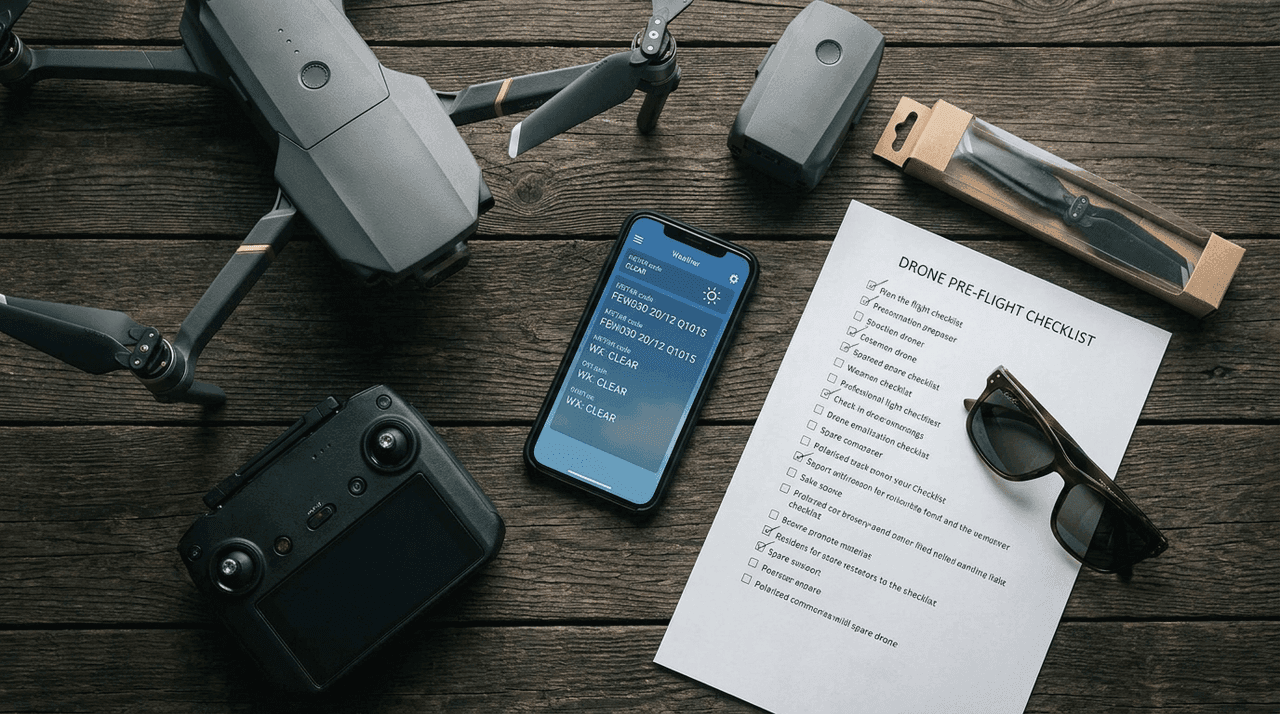
Next step: put a sensor check into your routine with the pre-flight checklist — and if you want the systems knowledge behind these warnings for the A1/A3 exam, it is covered in the course.