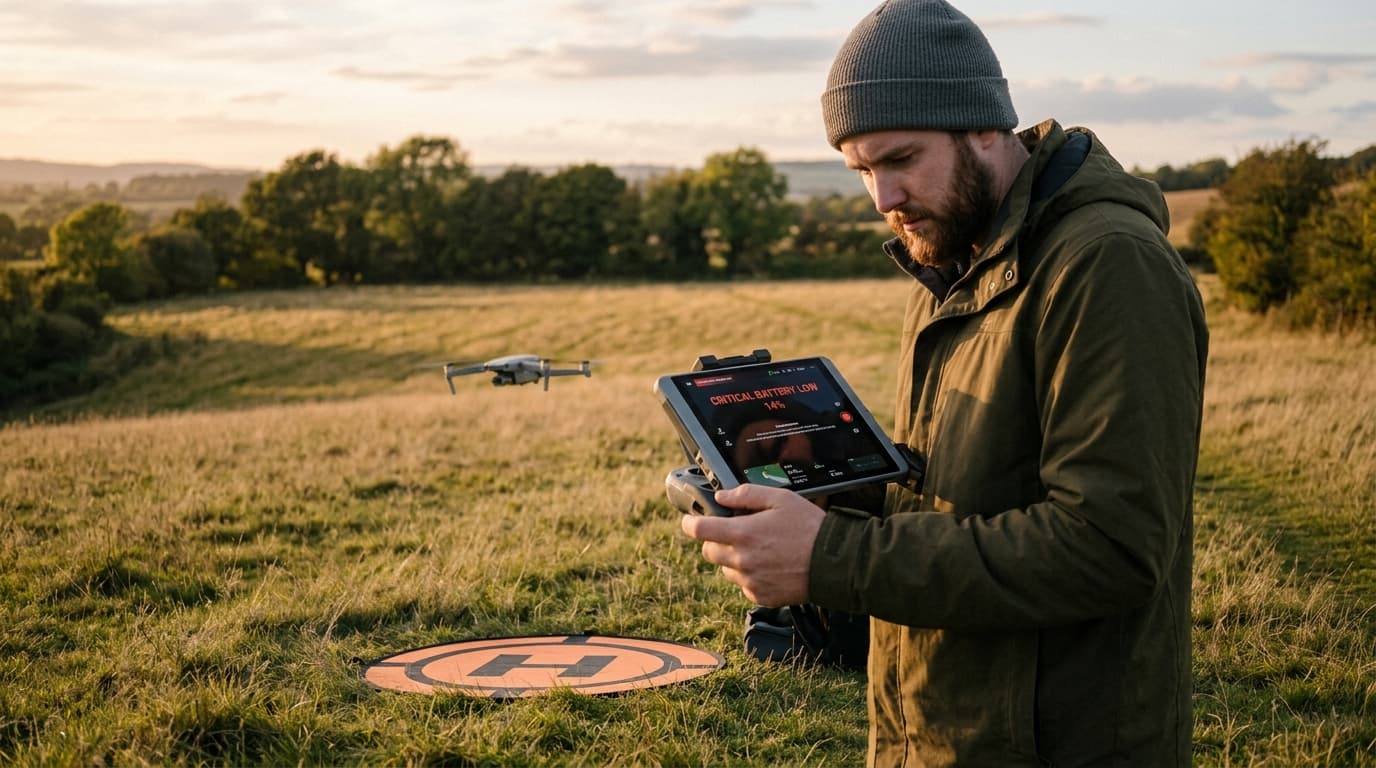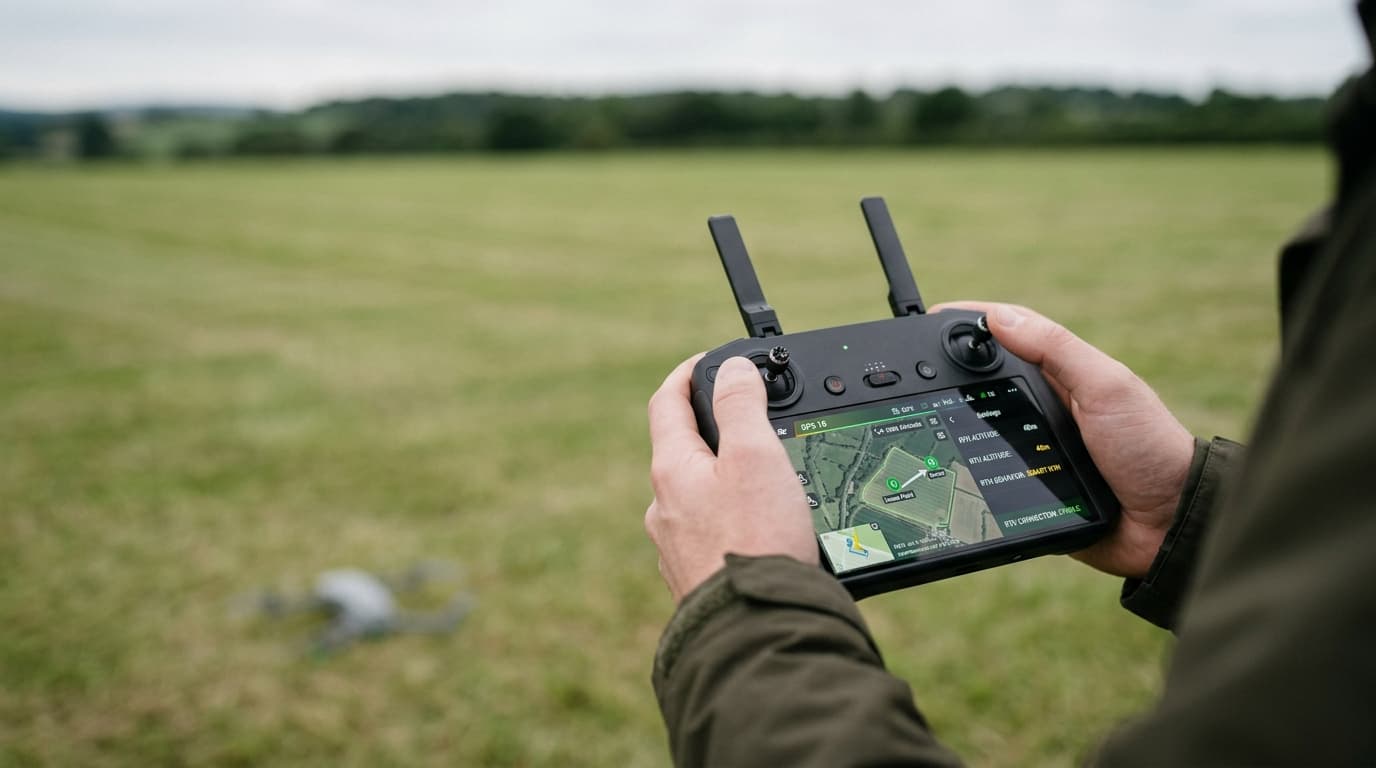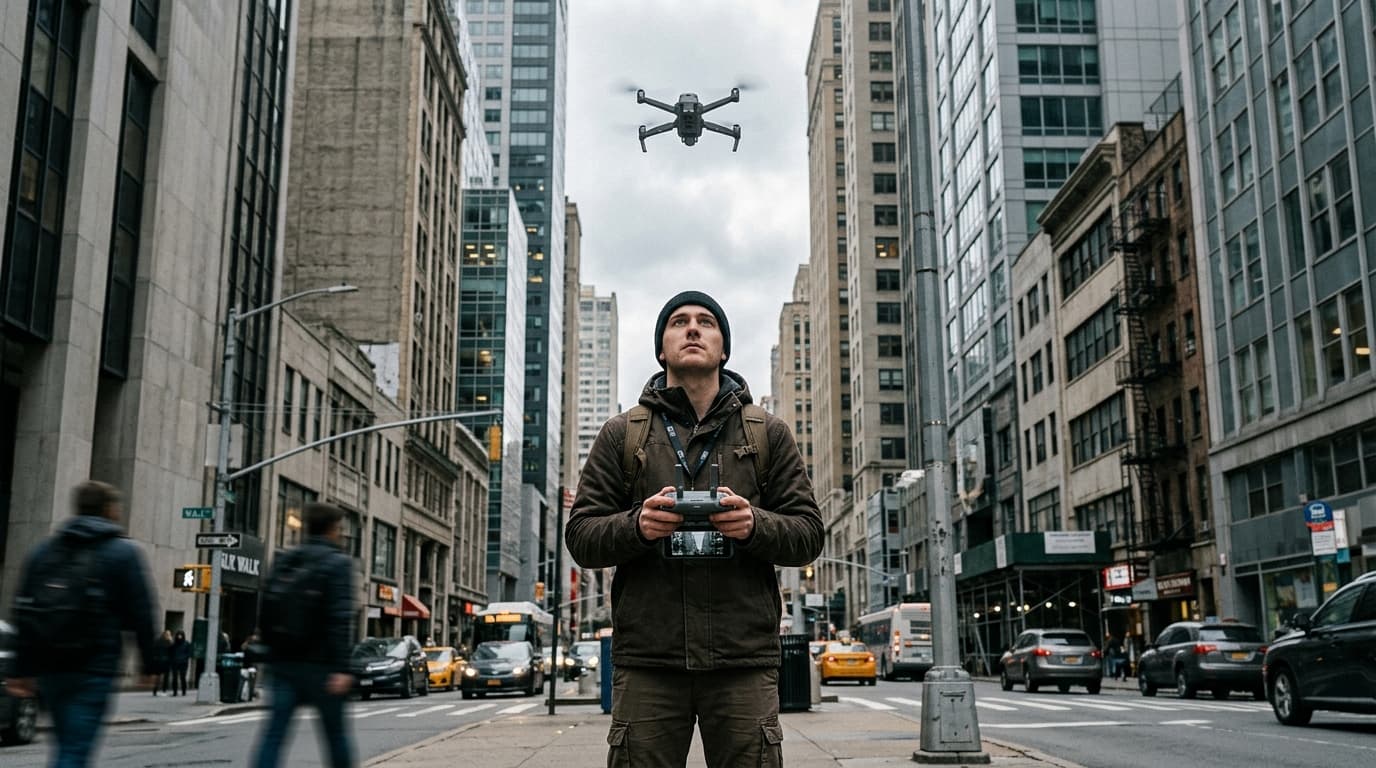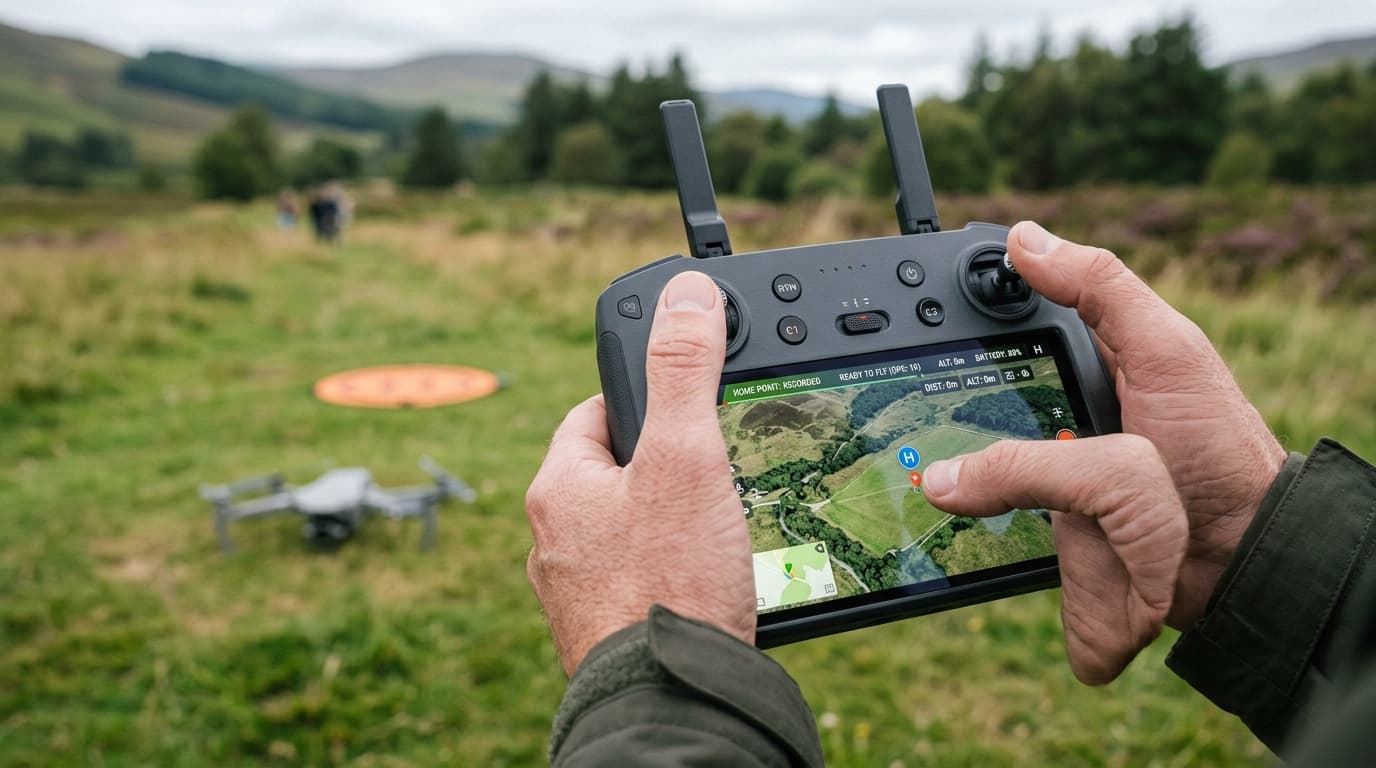
Your drone's home point marker on the map is sitting somewhere it shouldn't be — or it never updated at all, and you're not sure the aircraft actually knows where "home" is. This is not a cosmetic display issue. The home point is what return-to-home flies to when the link drops, and a stale or unconfirmed one turns a safety feature into the thing that puts the aircraft in a tree, a road, or a neighbour's roof.
What the home point actually is
The home point is a single set of GNSS coordinates the flight controller stores as "home" — the destination for automatic return-to-home (RTH) and the reference the app uses to show distance and direction back. It is not automatically your current standing position or the launch pad you have in mind; it is whatever coordinates the aircraft wrote down at the moment it captured them.
That moment is usually the first stable GNSS lock after power-on, most often while the aircraft is still sitting on the ground before takeoff. The app confirms it with an on-screen message or a tone — something like "home point recorded." On some drones the behaviour is different: the home point tracks the controller's position rather than the aircraft's launch spot, and on a few it can shift to the pilot's live location as the flight continues. Which mode your aircraft uses matters, because it changes what "correct" looks like on the map — check this once in the manual for your specific drone rather than assuming. The GNSS, compass and home point lesson covers the underlying mechanics in more depth.
Why it goes wrong
Almost every home-point failure traces back to one thing: the coordinates the aircraft recorded do not match where you actually launch from.
- Powered on before GPS lock, then launched. If you take off before the app confirms the fix, there is no valid home point to fall back to yet — some flight controllers refuse to arm, others simply launch without one and RTH becomes unreliable for the whole flight.
- Powered on by the car or on the porch, then carried to the field. This is the single most common cause. The drone gets its satellite fix in the driveway, records that as home, and is then carried thirty or fifty metres to the actual launch spot. The stored point and the real one are now different places, and nothing in the pre-flight checks will flag it — the GPS status still looks perfectly healthy.
- Aircraft moved after lock, without a manual reset. Set the drone down to fix a prop, swap a battery, or reposition for a cleaner takeoff shot, and the home point stays where it was first recorded unless you update it.
- Weak or noisy GNSS fix. A lock captured with few visible satellites or in a spot with heavy multipath (near buildings, trees, or metal) can be accurate to only a few tens of metres rather than a few — the same underlying issue covered in weak GPS signal. That's usually tolerable — until RTH is the only thing standing between the aircraft and a lost link over unfamiliar ground.
None of these is a malfunction. The automation is doing exactly what it was told; it was just told the wrong thing. A stale home point is also the single most common reason behind a drone flyaway, and it can combine with unrelated compass and IMU errors to send the aircraft off in a direction that looks confident but is simply wrong.
The fix
- Wait for the "home point recorded" confirmation before you fly — every time, not just on the first flight of the day. Treat it as a mandatory item, the same as checking props or battery charge.
- Confirm it fresh on every takeoff, even at a site you've flown a hundred times. Conditions, satellite geometry, and where exactly you set the aircraft down all vary flight to flight.
- If you move the aircraft after the lock — reset it. Most apps offer a manual "update home point" action that sets it to the aircraft's current position or a chosen spot on the map. Use it before you take off, not after something has already gone wrong.
- Know whether your drone uses aircraft-home or pilot-home. If the home point is meant to track the controller or pilot, moving around during the flight is normal and expected — check that assumption against your specific model rather than guessing from a different drone you've flown before.
- Don't launch on a weak fix. If the app shows only a handful of satellites or a wide GPS accuracy estimate, wait. A few extra seconds on the ground costs nothing; a home point that's fifty metres off costs a search.
- If RTH does misfire, know the recovery sequence. A wrong home point is one of the causes covered in RTH not working — worth reading once before you need it in the field, not while the aircraft is already flying home to the wrong place.
What matters now
A wrong home point is rarely a broken drone — it's an accurate record of the wrong moment. Confirm the lock before you fly, reset the point manually whenever you move the aircraft, and know which reference your specific model actually uses. That's the whole fix, and it takes about five extra seconds per flight.
Next step: GNSS behaviour, compass errors, and home-point checks are core A1/A3 exam material — not just field habits. Learn the underlying logic properly with the dronelingo course so the next stale home point is something you catch, not something you discover mid-flight.